- domain names
- domain name services
- control panel
Discover our control panel
Nomeo has developed its own control panel with one goal: delivering an efficient management experience. Whether you manage a single domain or support multiple clients with digital services, our platform makes it easy. Effortlessly manage domain names, adjust DNS settings, and stay on top of administration. You're in control.
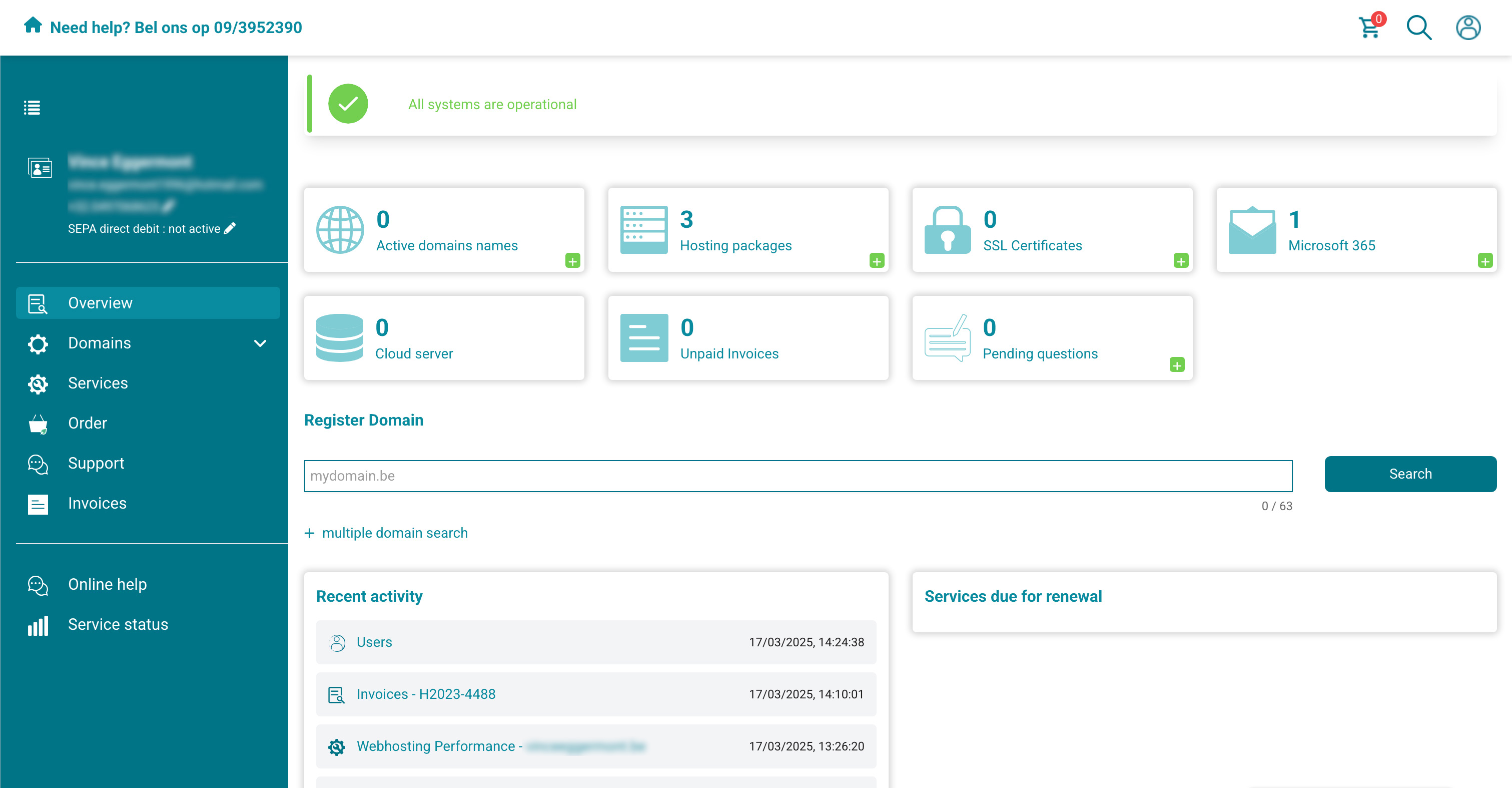
Domain names
Admin
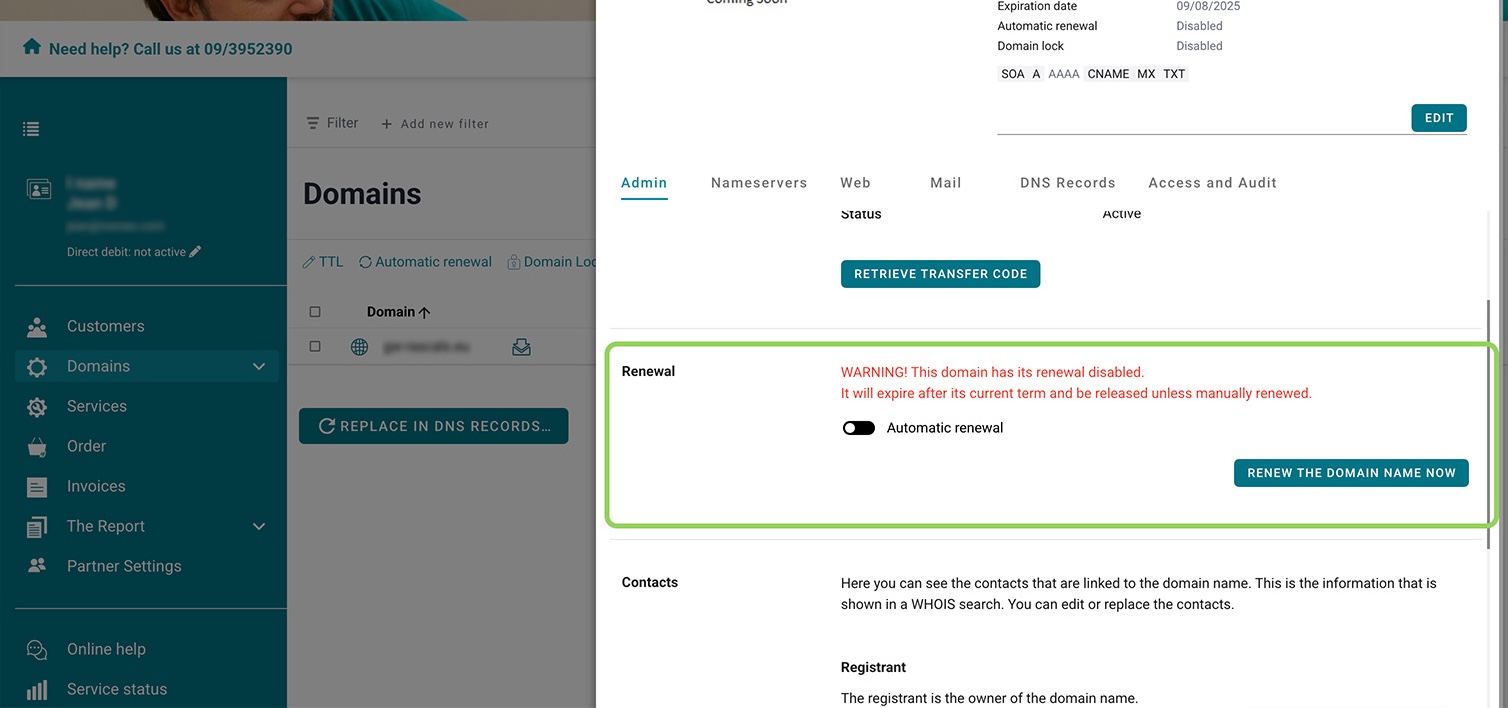
Automatic renewal
Enable automatic renewal to renew your domain name registration automatically each year. If you pay via direct debit, both the renewal and payment will be processed automatically.
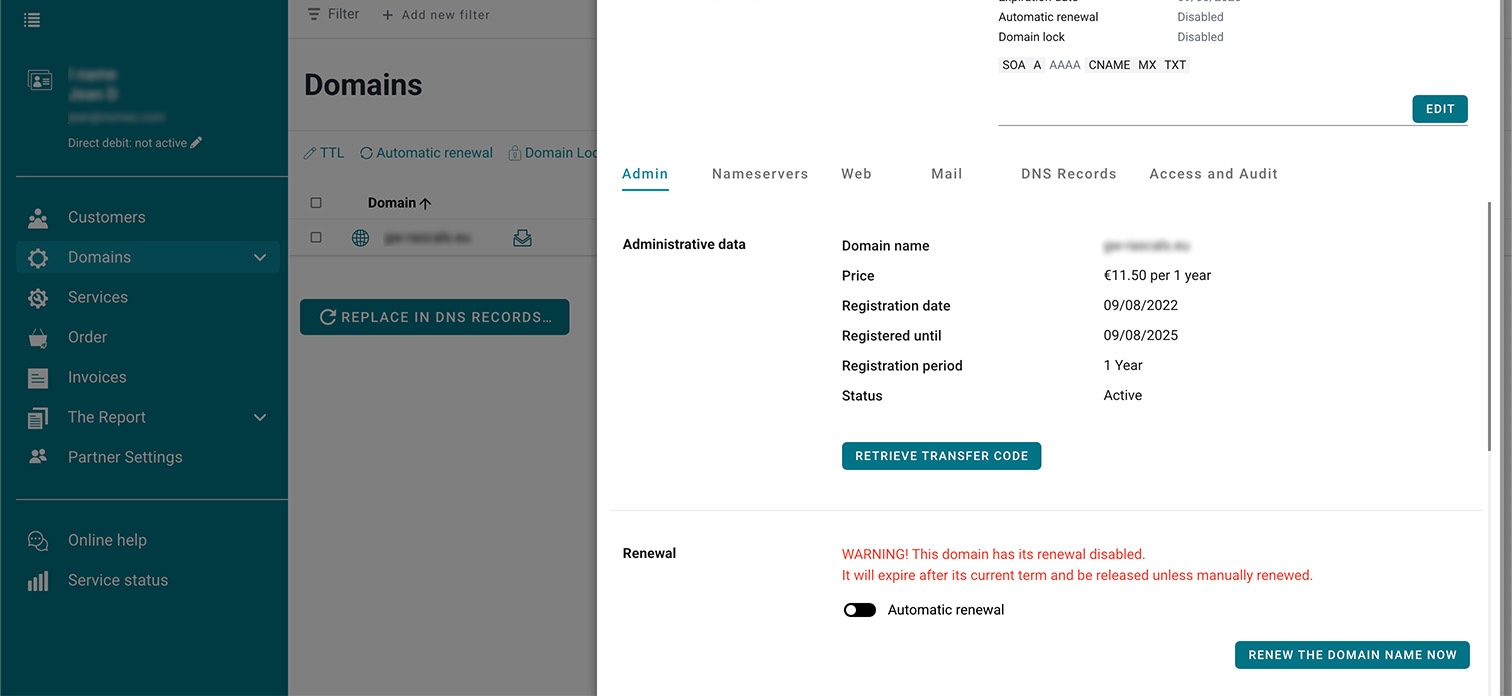
Edit contact details
Changed your phone number? Or is your address about to change? Easily update your details here.
Nameservers
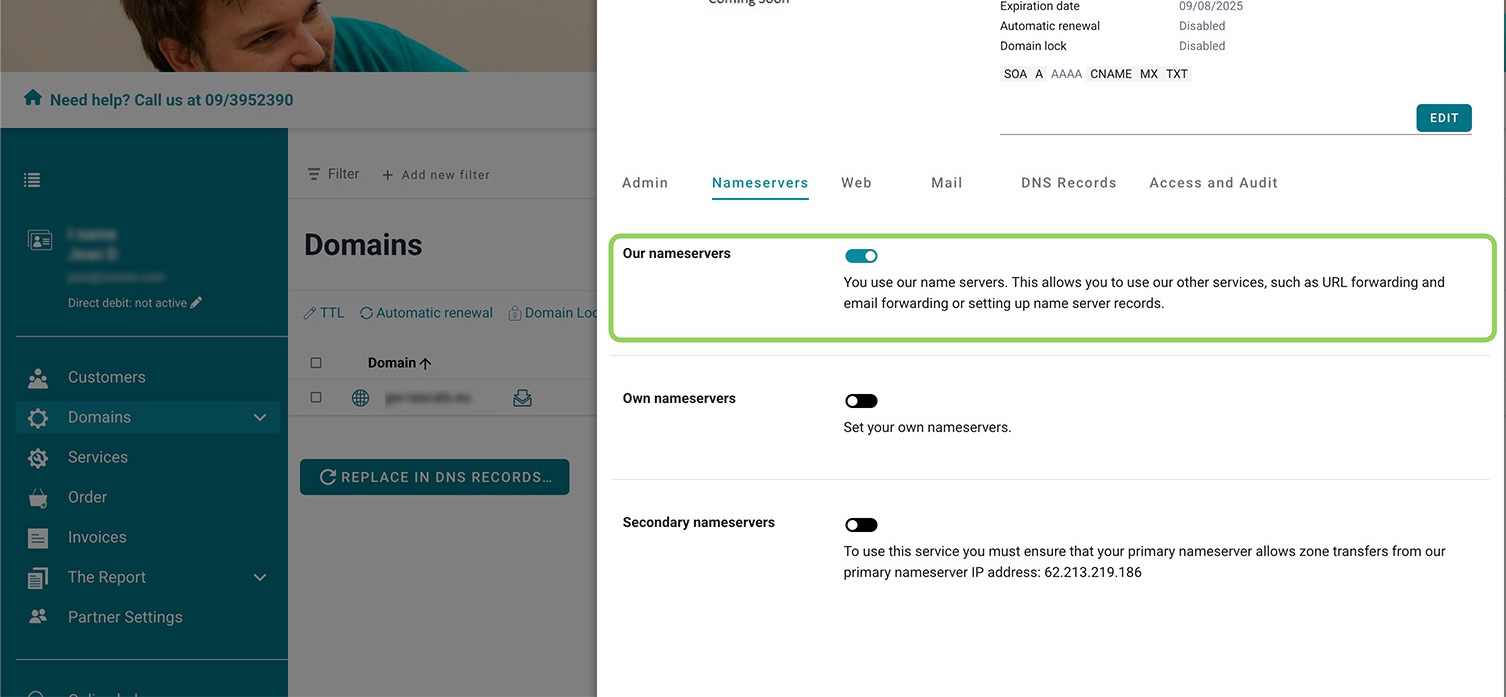
Use nomeo nameservers
Choose nomeo's nameservers to use our DNS services. These nameservers are also required for URL forwarding and email forwarding.
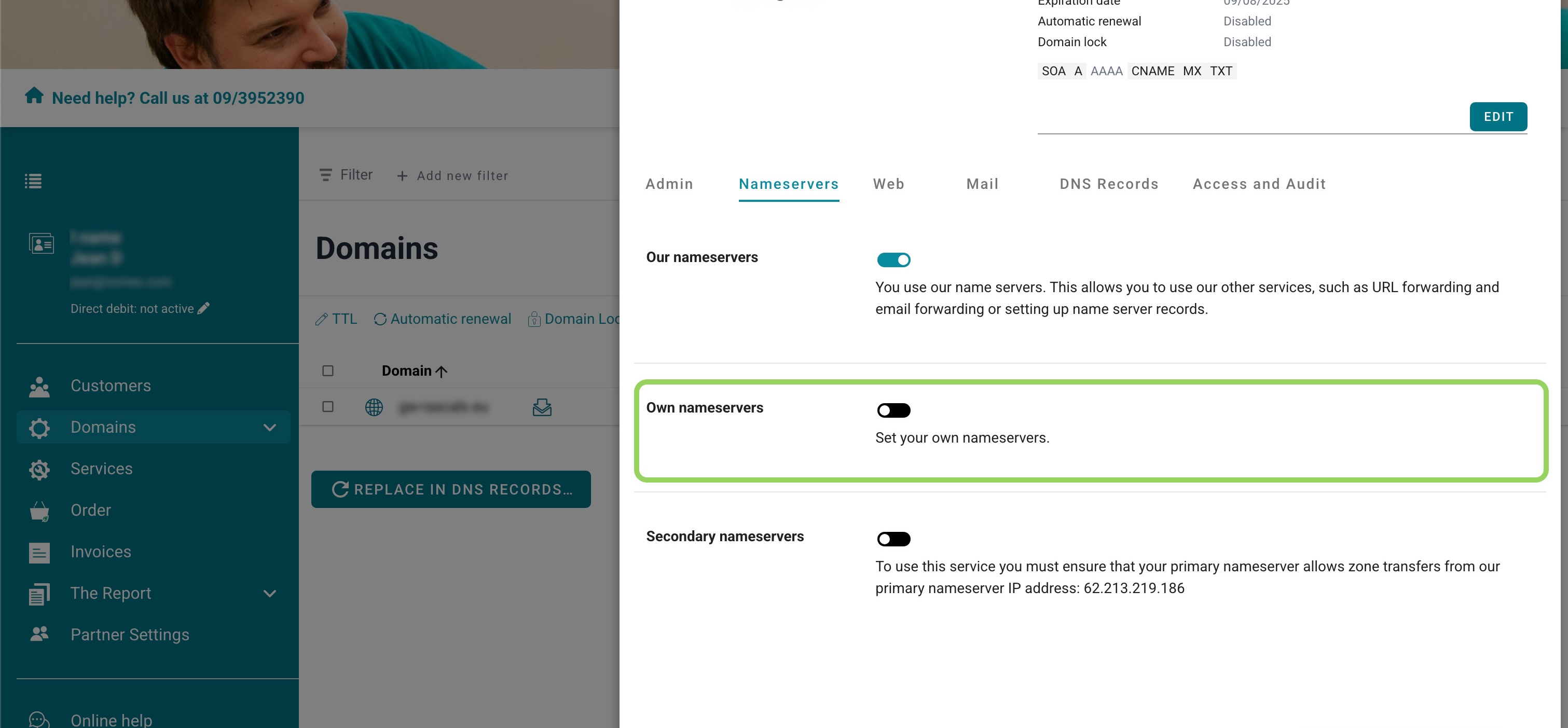
Use custom nameservers
Prefer to use your own nameservers? You can add them here.
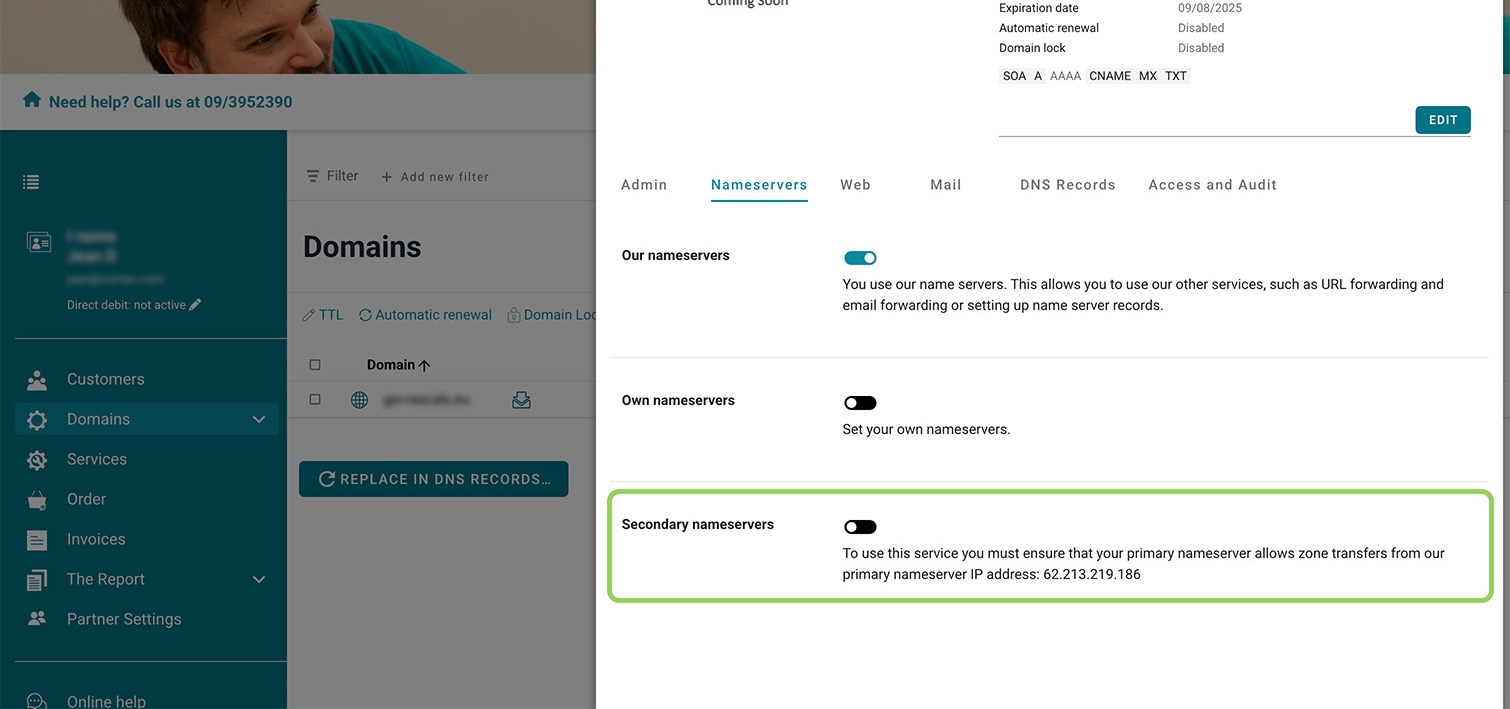
Secondary nameservers
In most cases, you need at least two nameservers. If you only have one, you can use nomeo's as a secondary nameserver.
Web
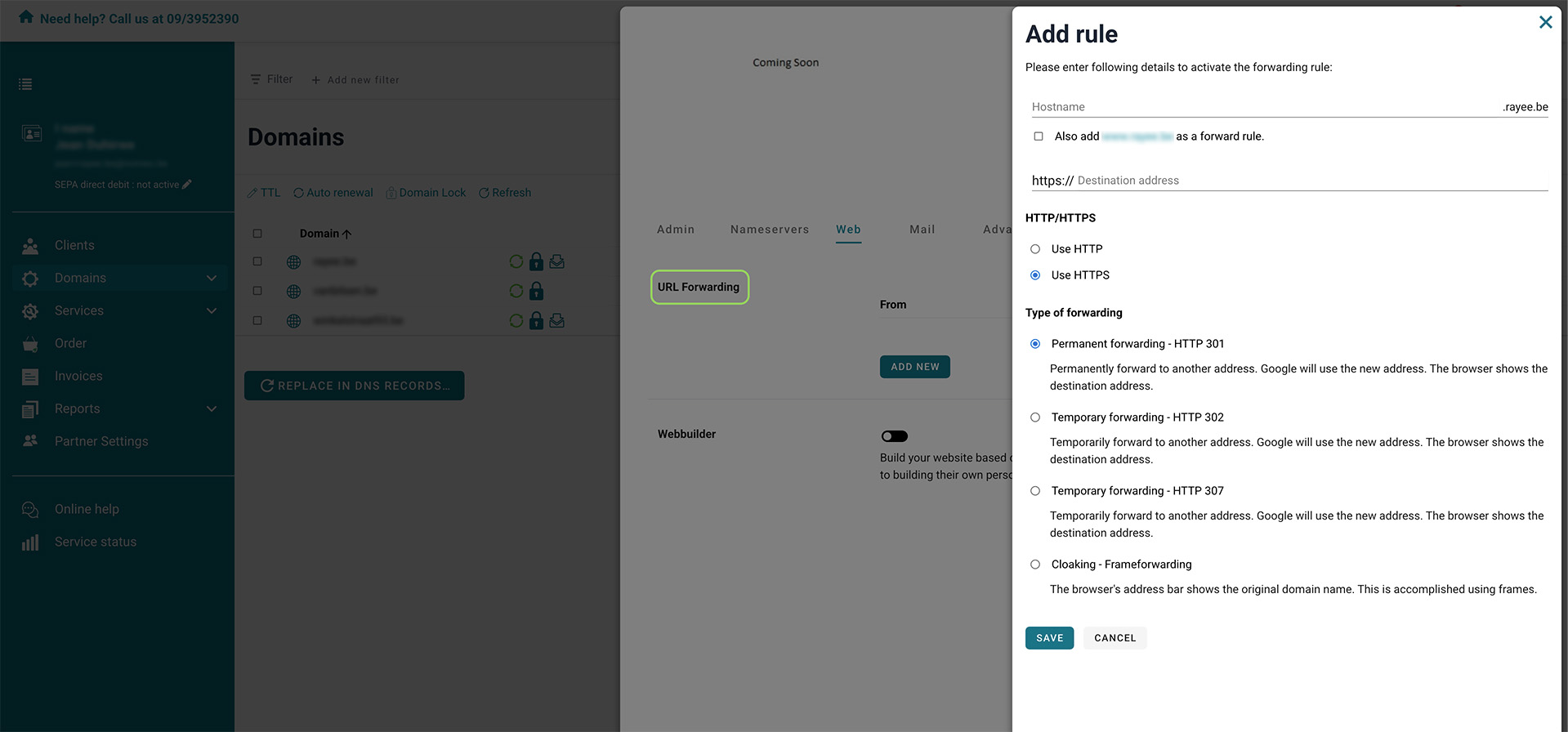
URL forwarding
Want to redirect your domain or subdomain to another address? Set up URL forwarding here, and choose between permanent or temporary redirection.
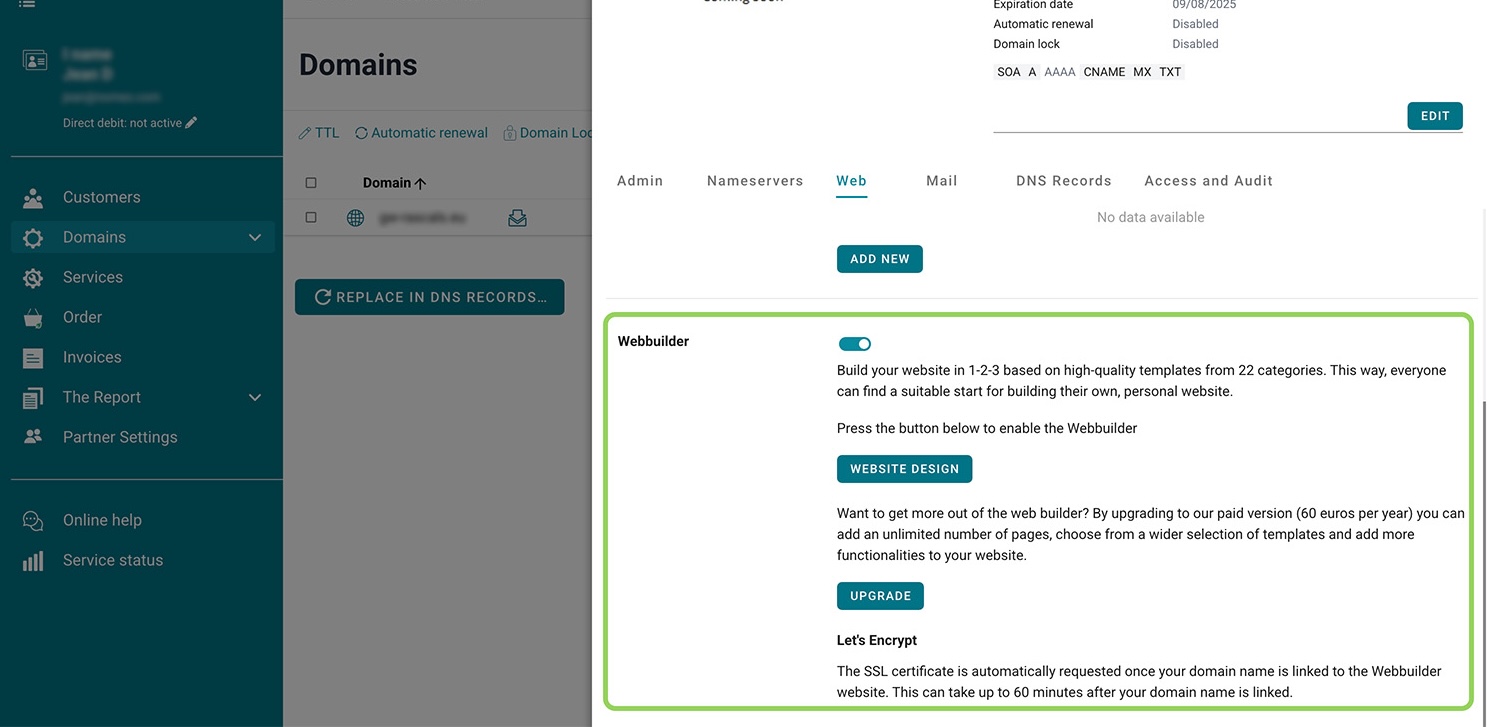
Webbuilder
The webbuilder helps you create a website using professional templates, with no coding required. Start building right away.
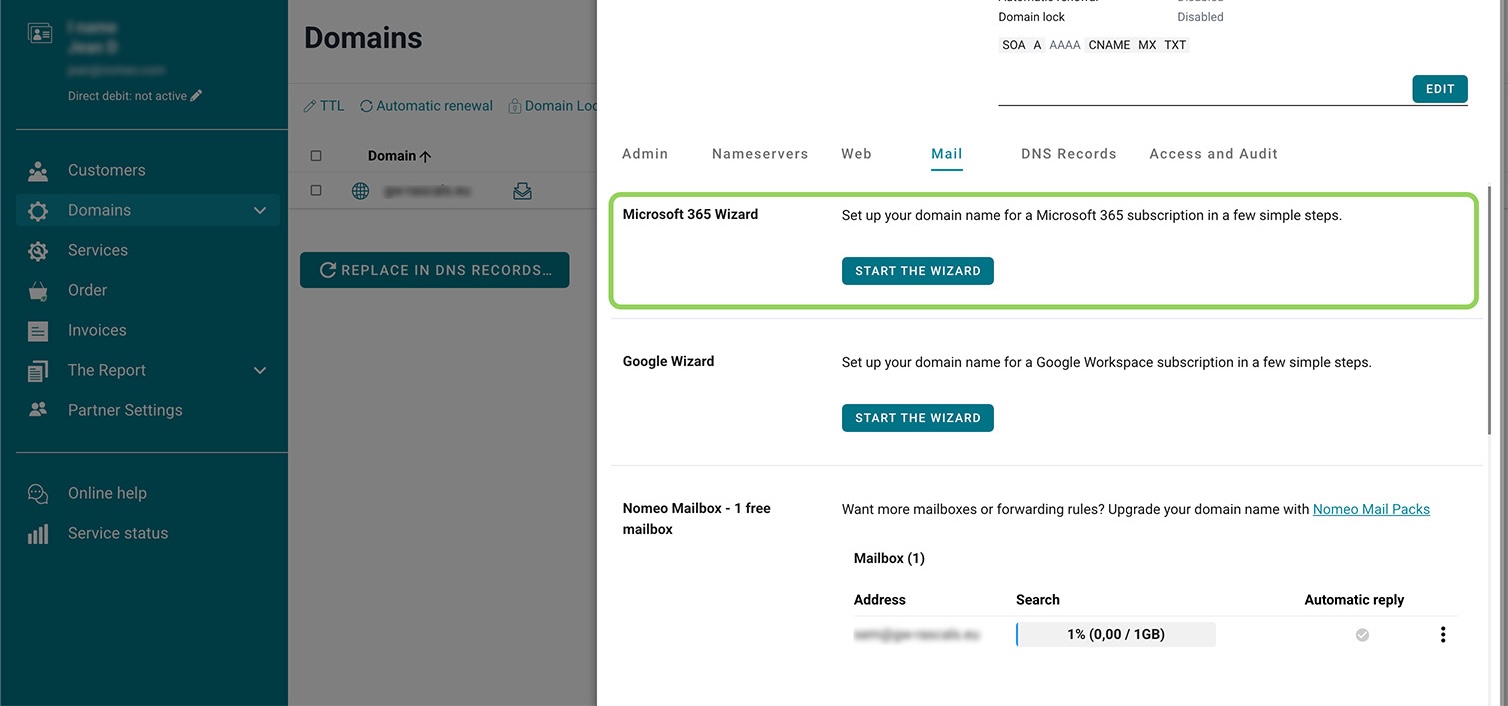
Microsoft 365 wizard
To add a domain name to Microsoft 365, you need to verify ownership. Our wizard guides you through the verification process in just a few minutes.
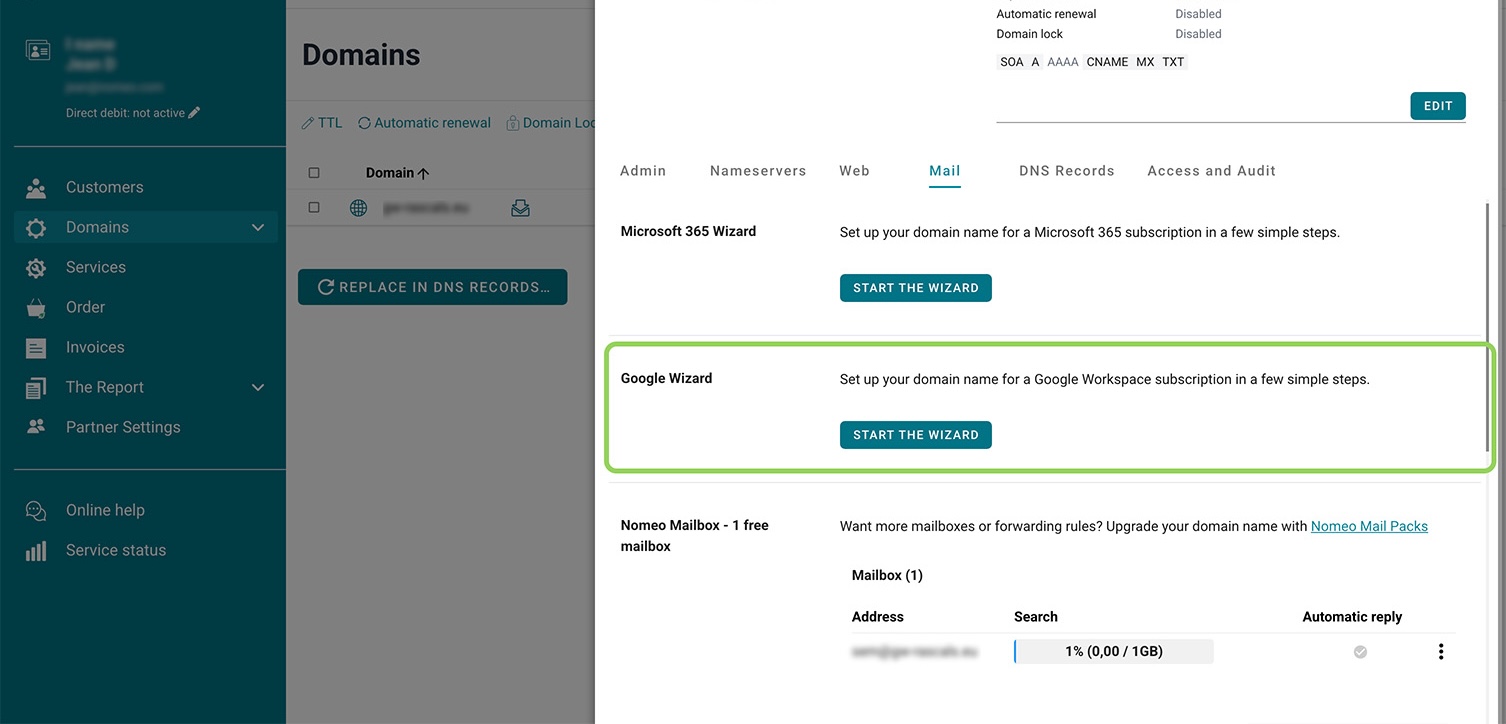
Google wizard
Using Google Workspace and want to add your domain? You’ll need to verify it. The Google wizard will guide you step by step through the process.
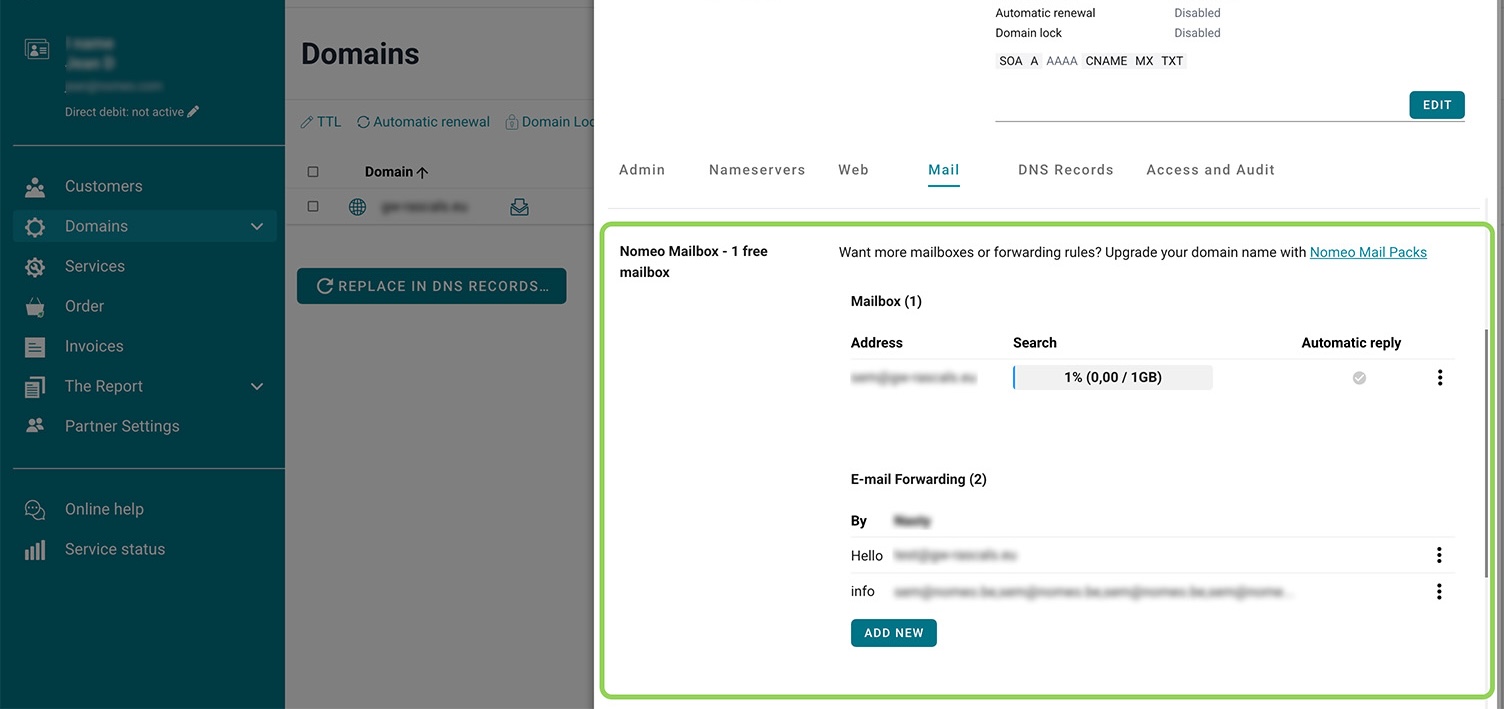
Add a nomeo mailbox
Set up your first free mailbox in no time. All settings are automatically configured, so you can start using it right away.
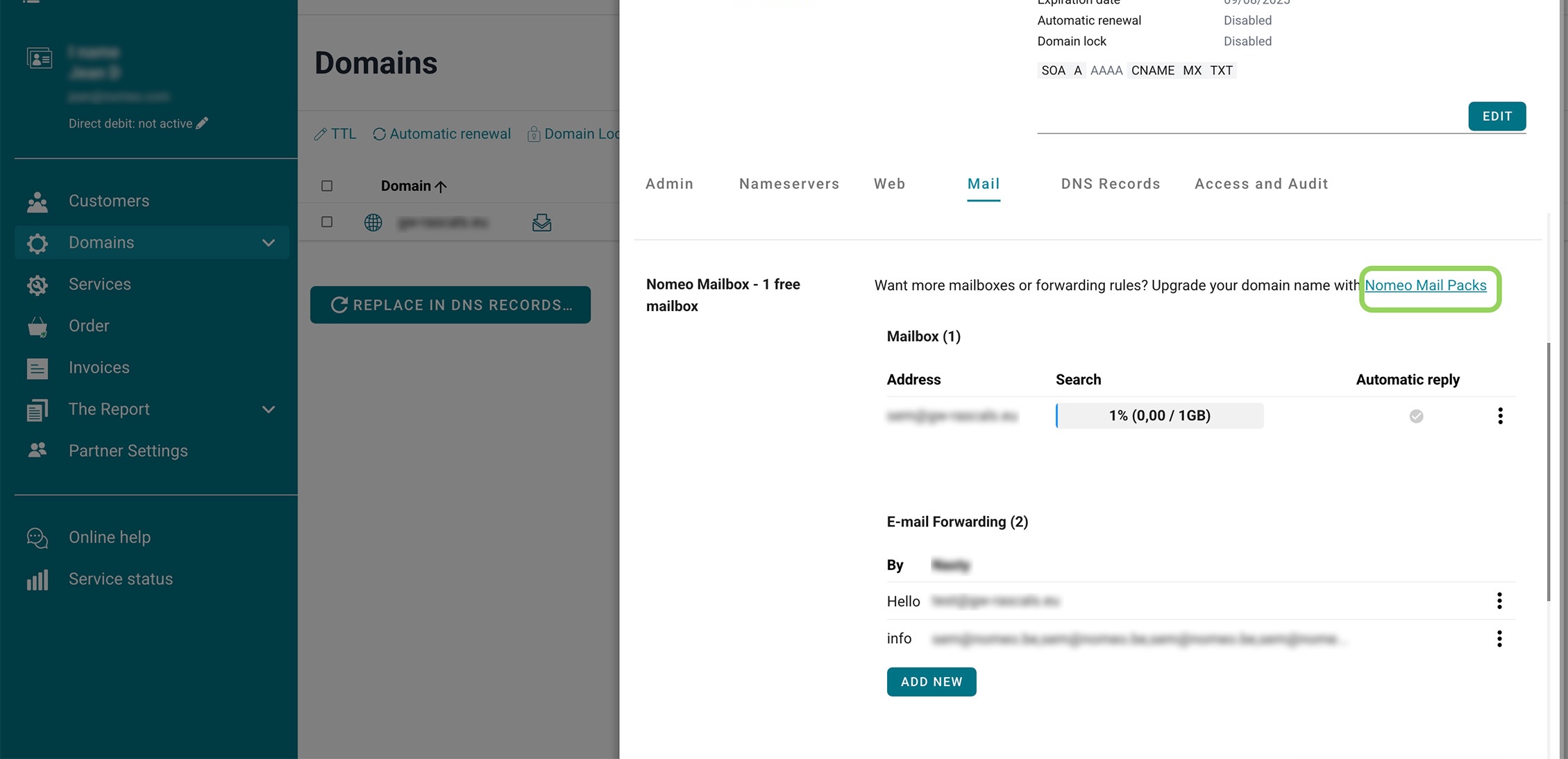
Add extra mailboxes
Need multiple mailboxes? Choose a package with 5 or 50 mailboxes. After upgrading, you can start creating new mailboxes right away.
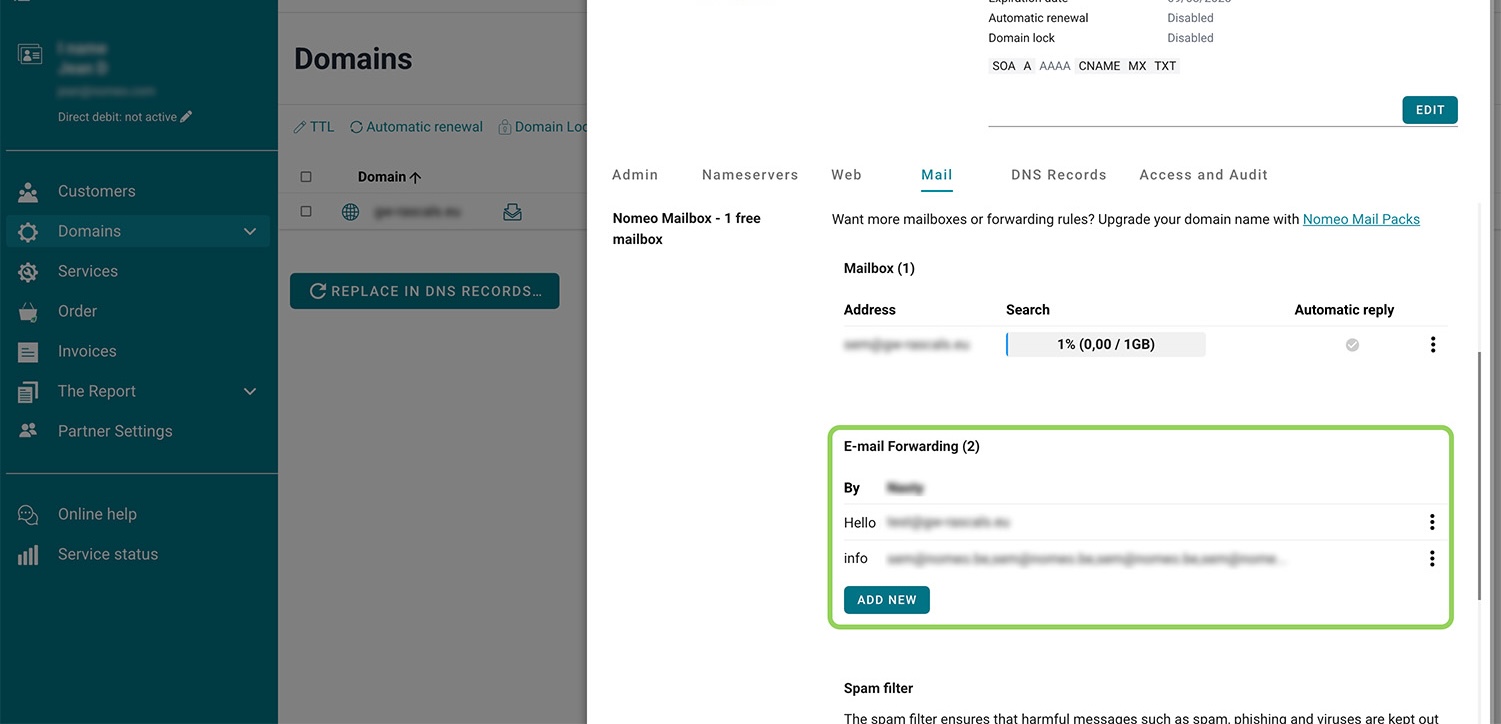
Forward email
Want to forward emails to other addresses? For example, have all colleagues receive emails sent to sales@yourcompany.com? You can set this up here in just a few clicks.
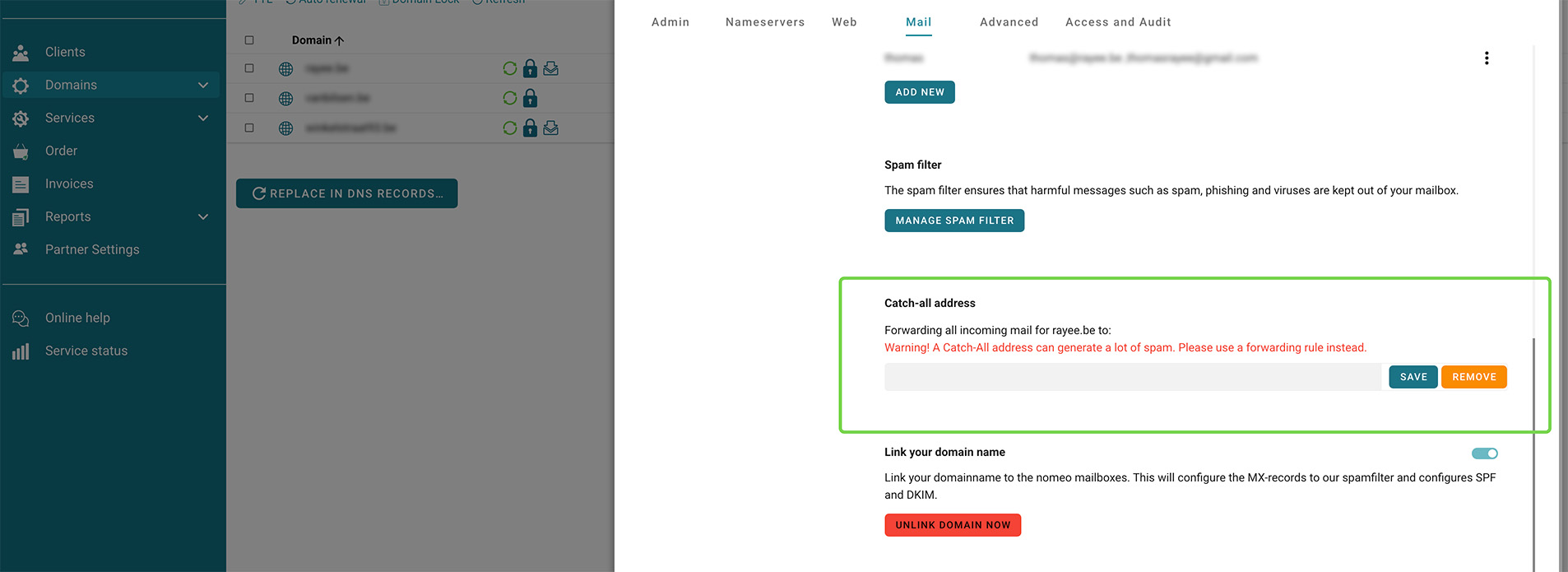
Set up a catch-all address
A catch-all address captures all emails that cannot be delivered, for example due to a typo in an email address. While this ensures you receive all emails, it can also lead to a lot of spam in your inbox.
DNS management
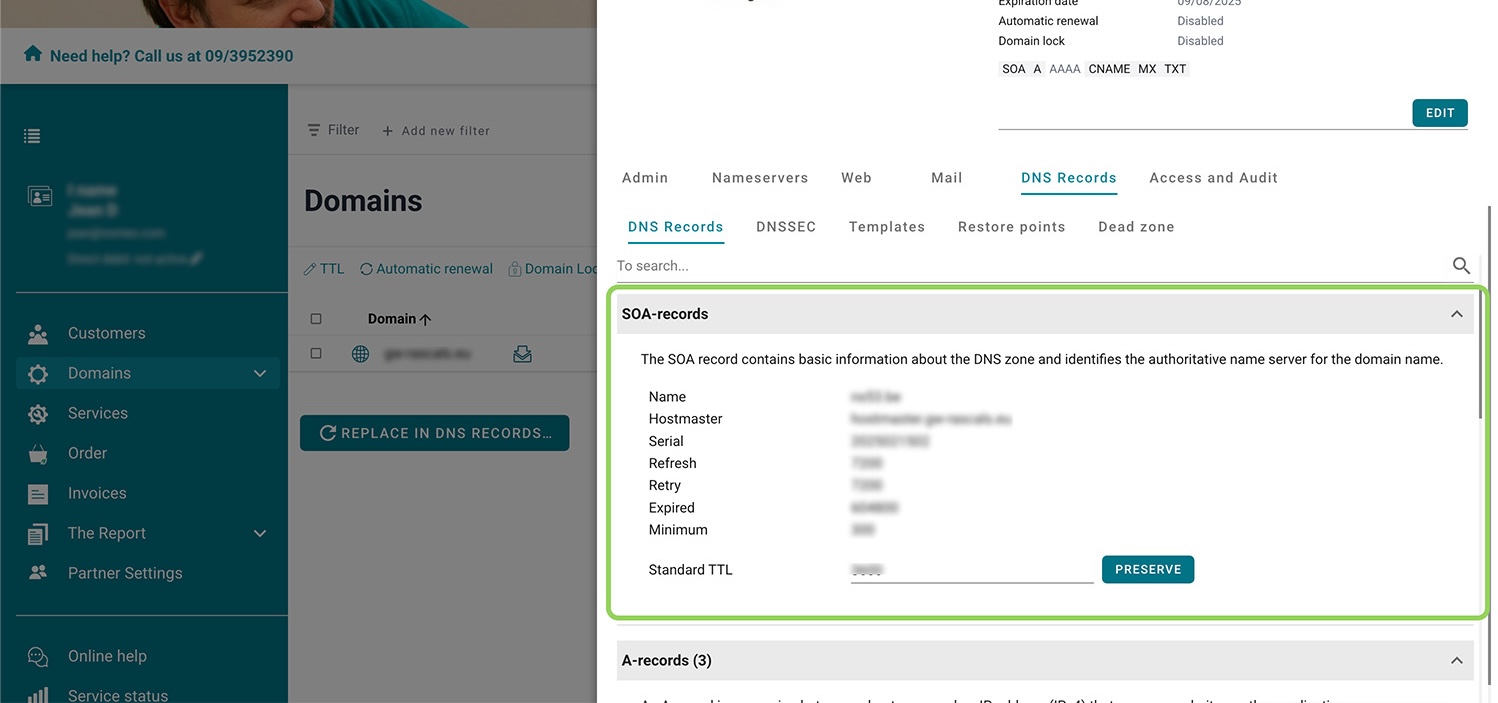
SOA-records
The SOA record contains important information about your domain. You don't need to create it yourself, but you can adjust the TTL if necessary.
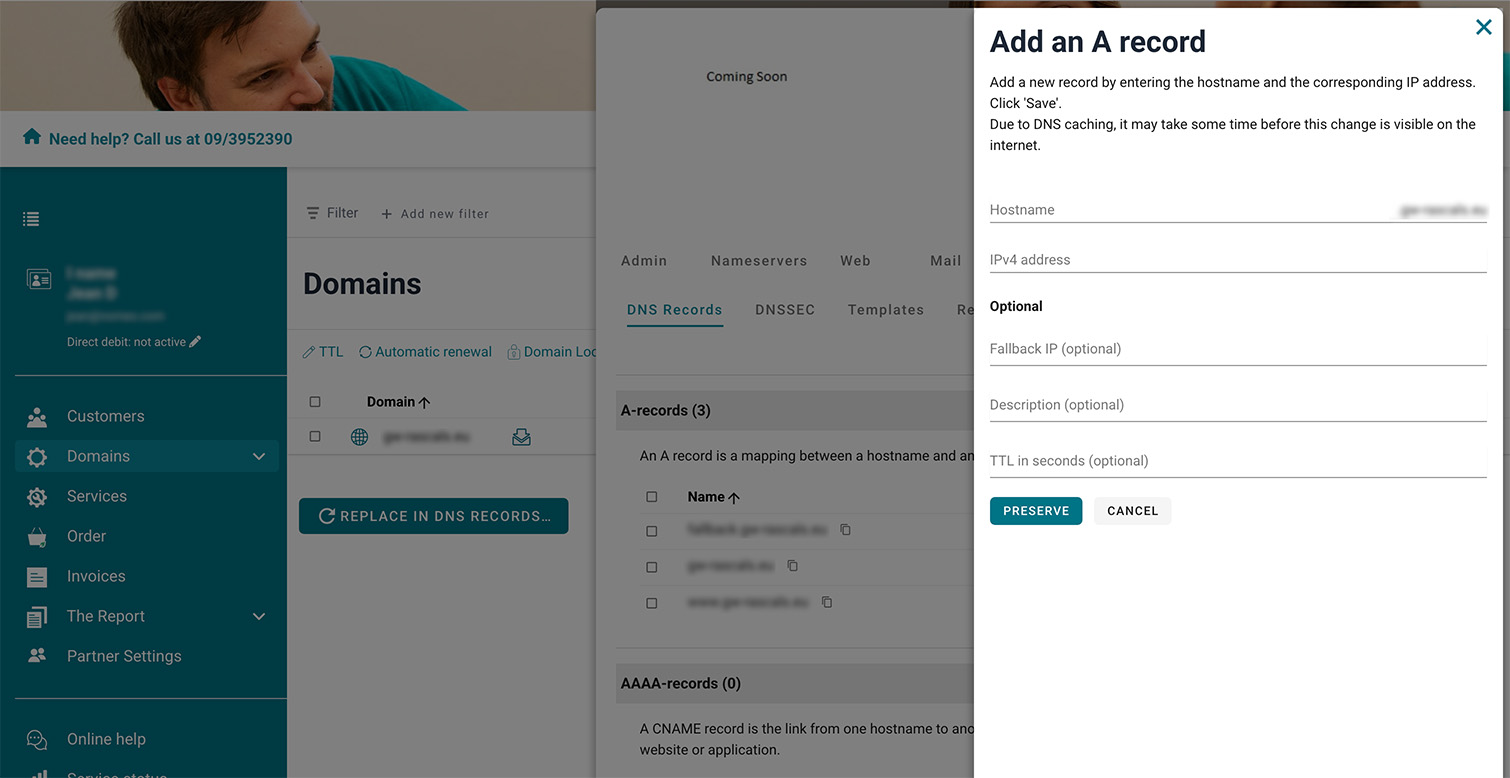
A-records
Modify the A-records that link your domain to a website or other application (IPv4). Changes are applied in real time.
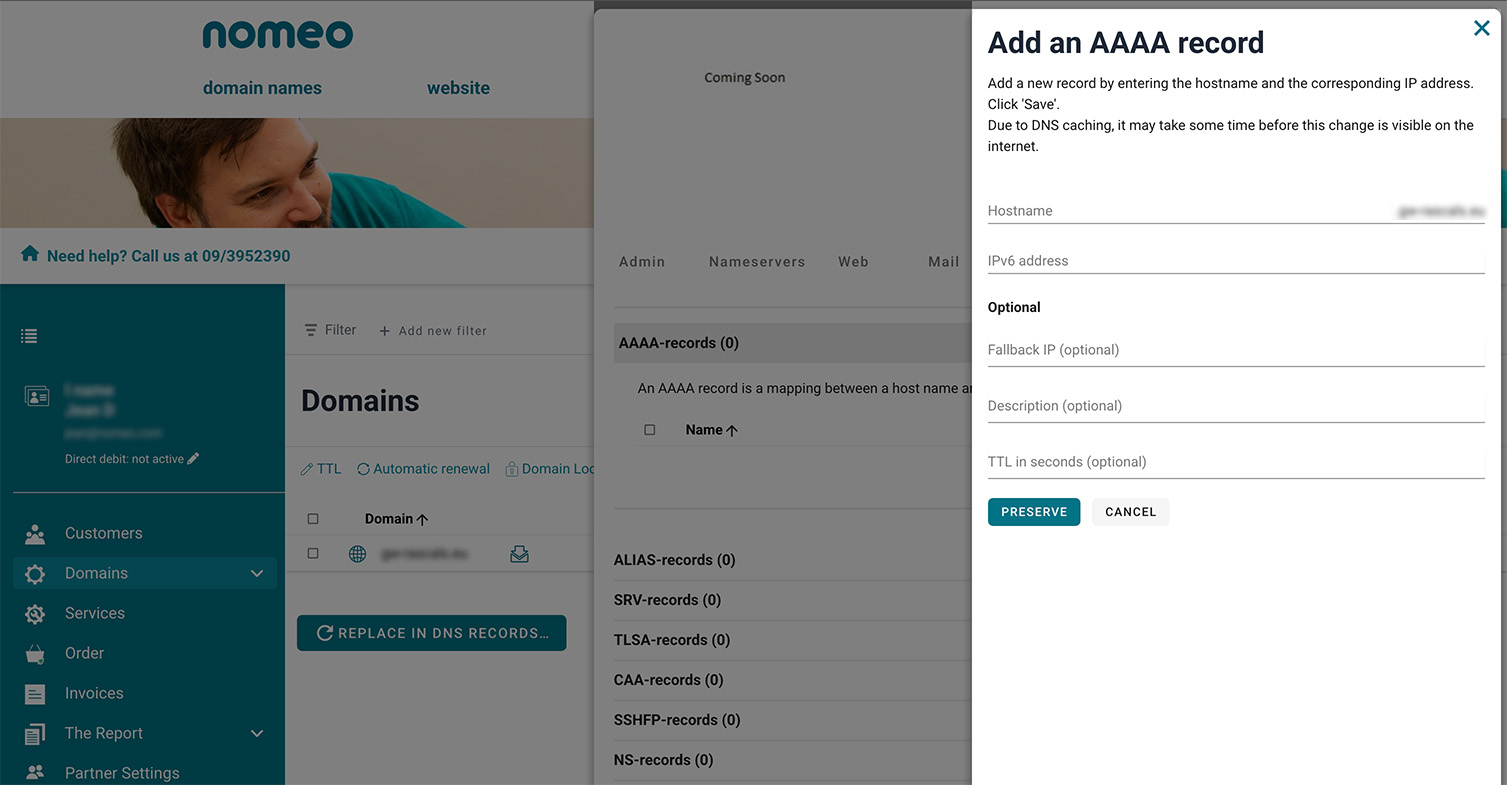
AAAA-records
Modify the A-records that link your domain to a website or other application (IPv6). Changes are applied in real time.
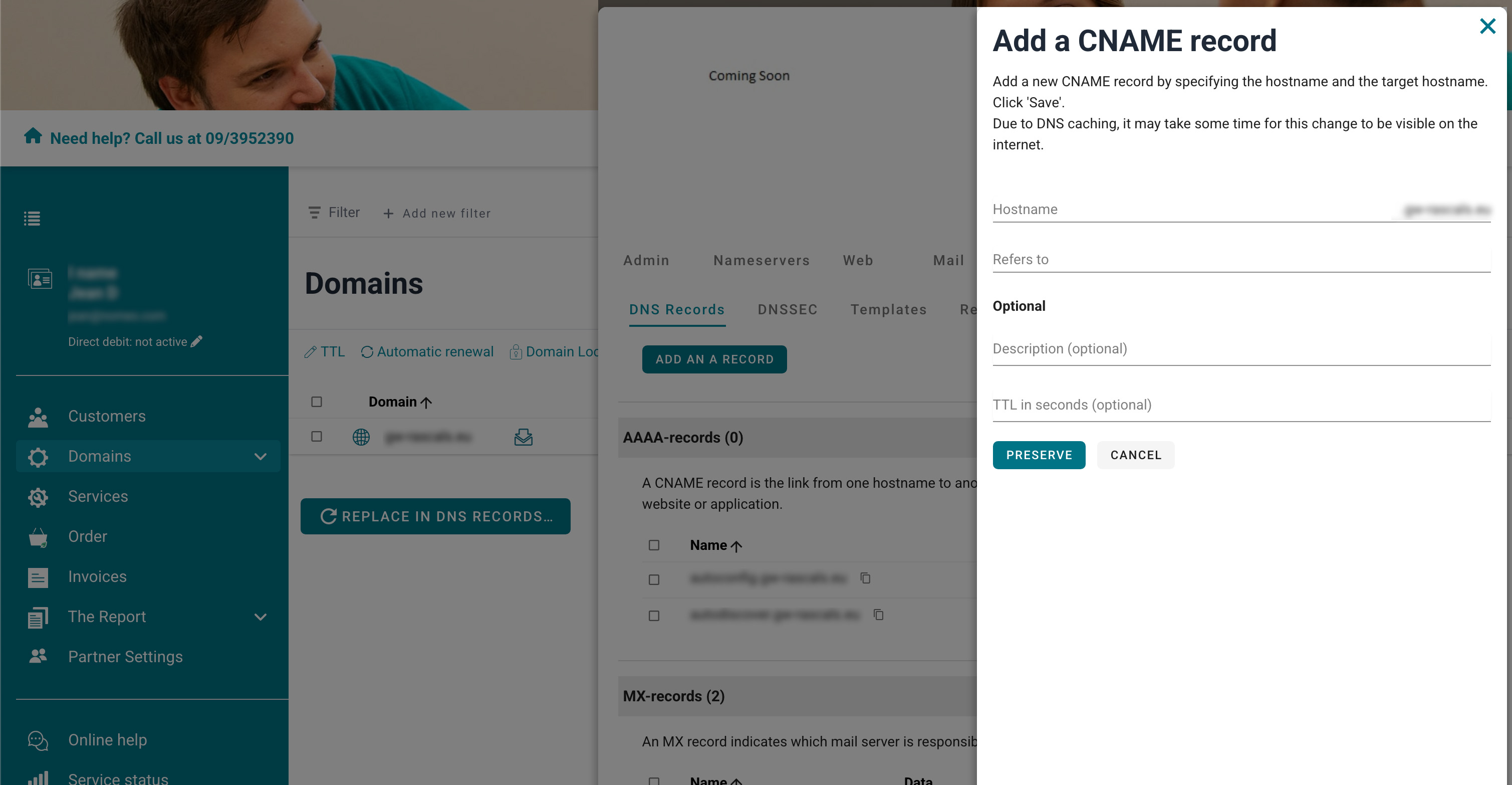
CNAME-records
CNAME records create a link between two hostnames. Useful when you want both yourcompany.com and www.yourcompany.com to point to the same address. You can enable them quickly in our control panel.
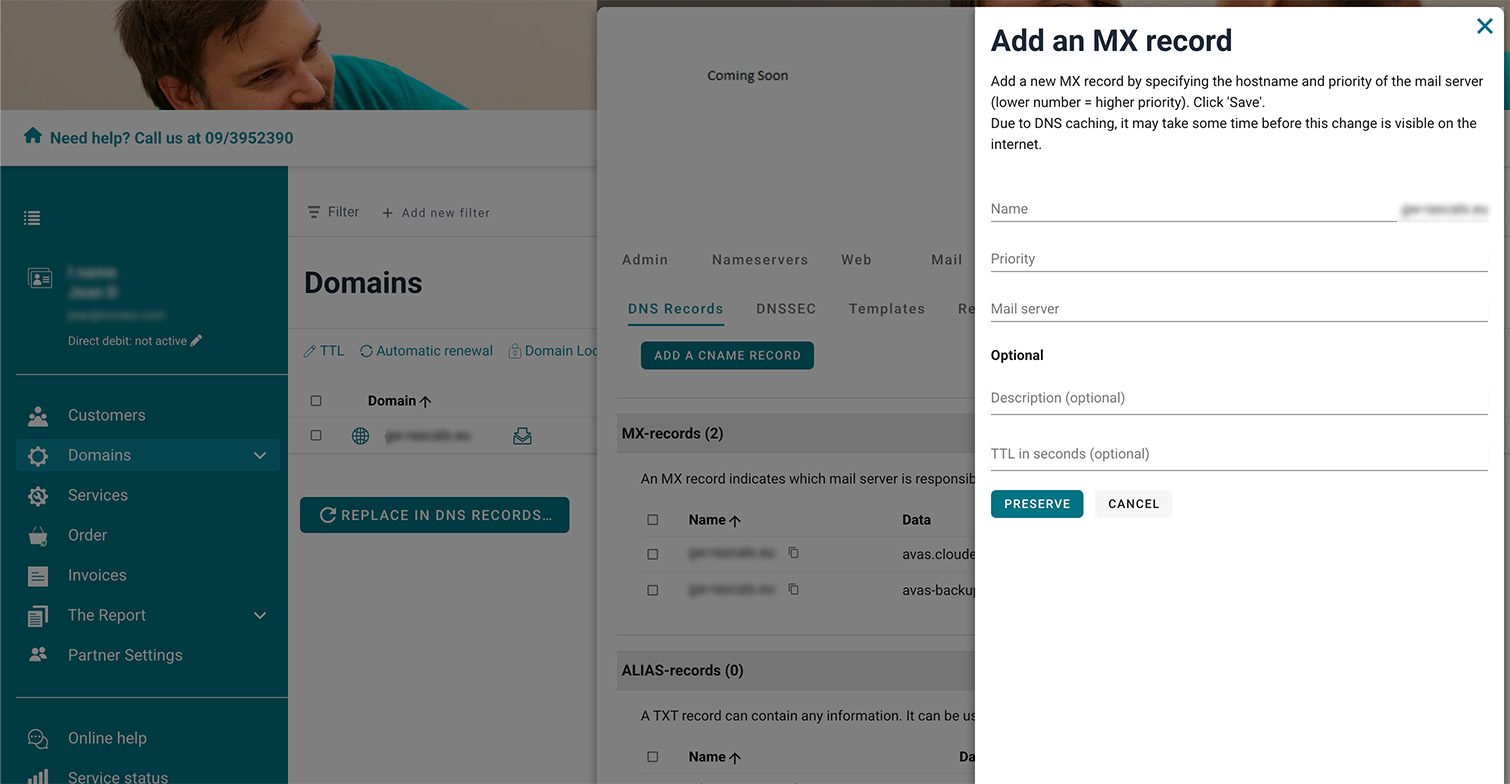
MX-records
MX records are required to properly set up your email. When you create a nomeo mailbox, the MX record is automatically added. You can easily adjust them here yourself.
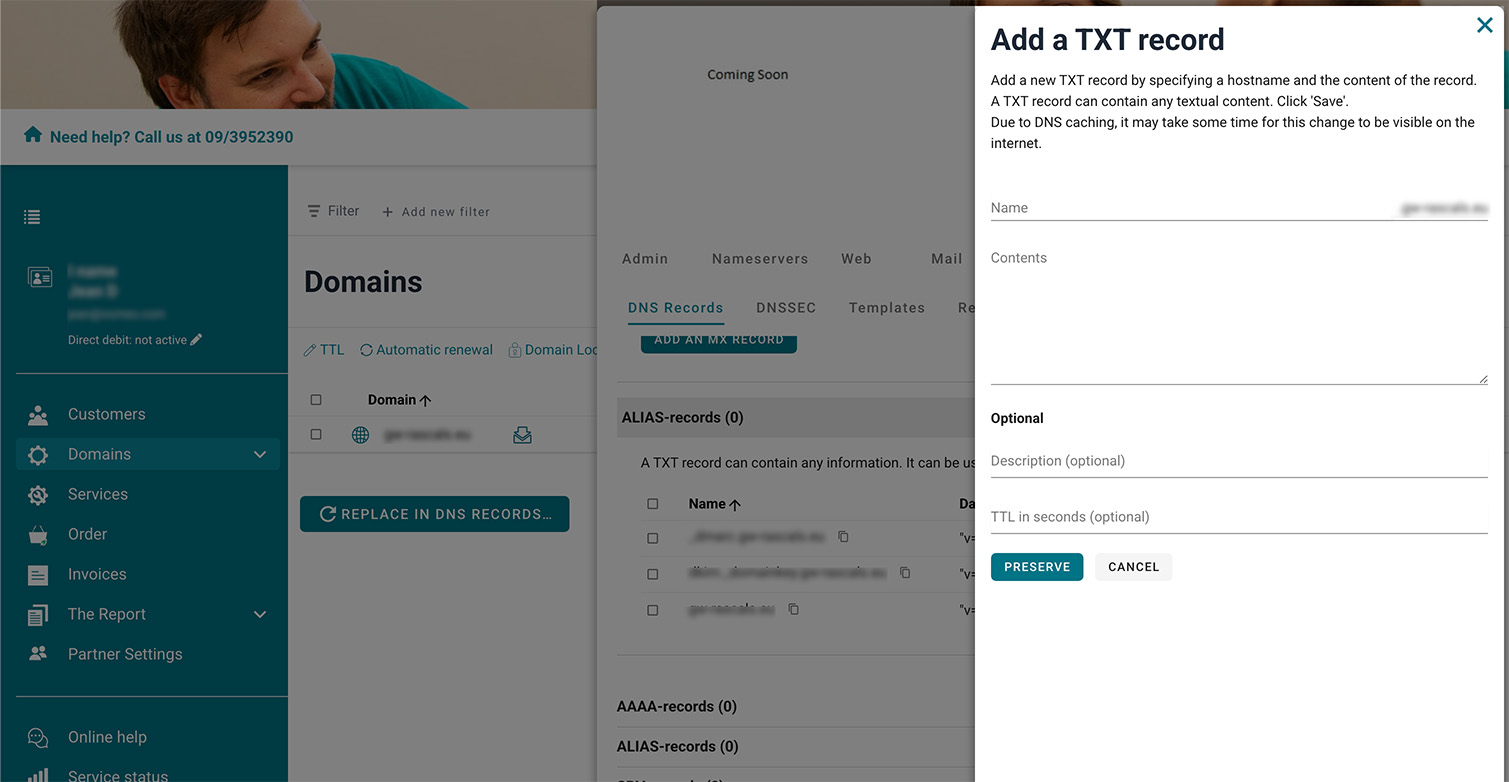
TXT-records
TXT records are used for verification with Google and Microsoft or for spam protection. You can adjust them easily in real time.
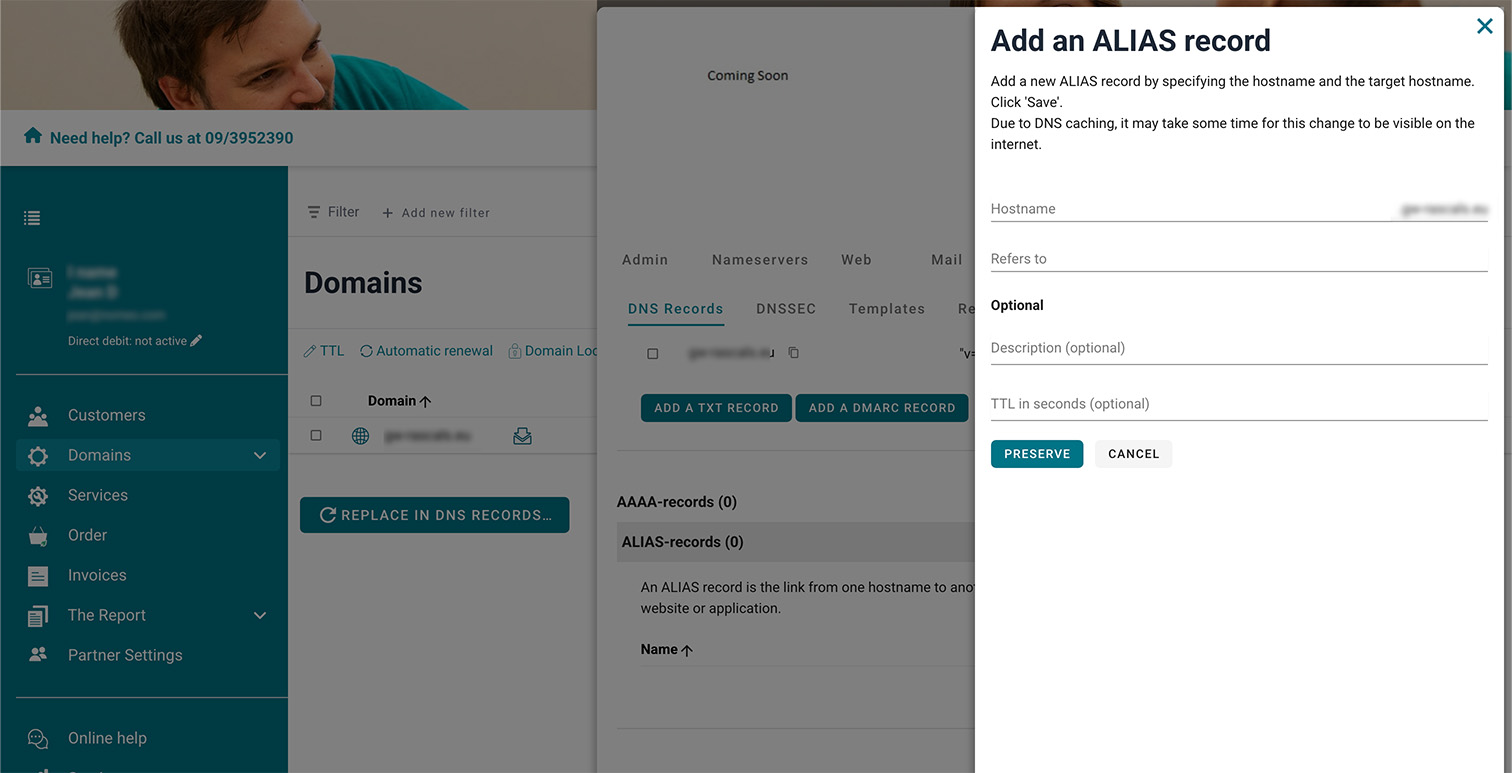
ALIAS-records
ALIAS records are similar to CNAME records but are only intended for root domains. All changes to ALIAS records are applied in real time.
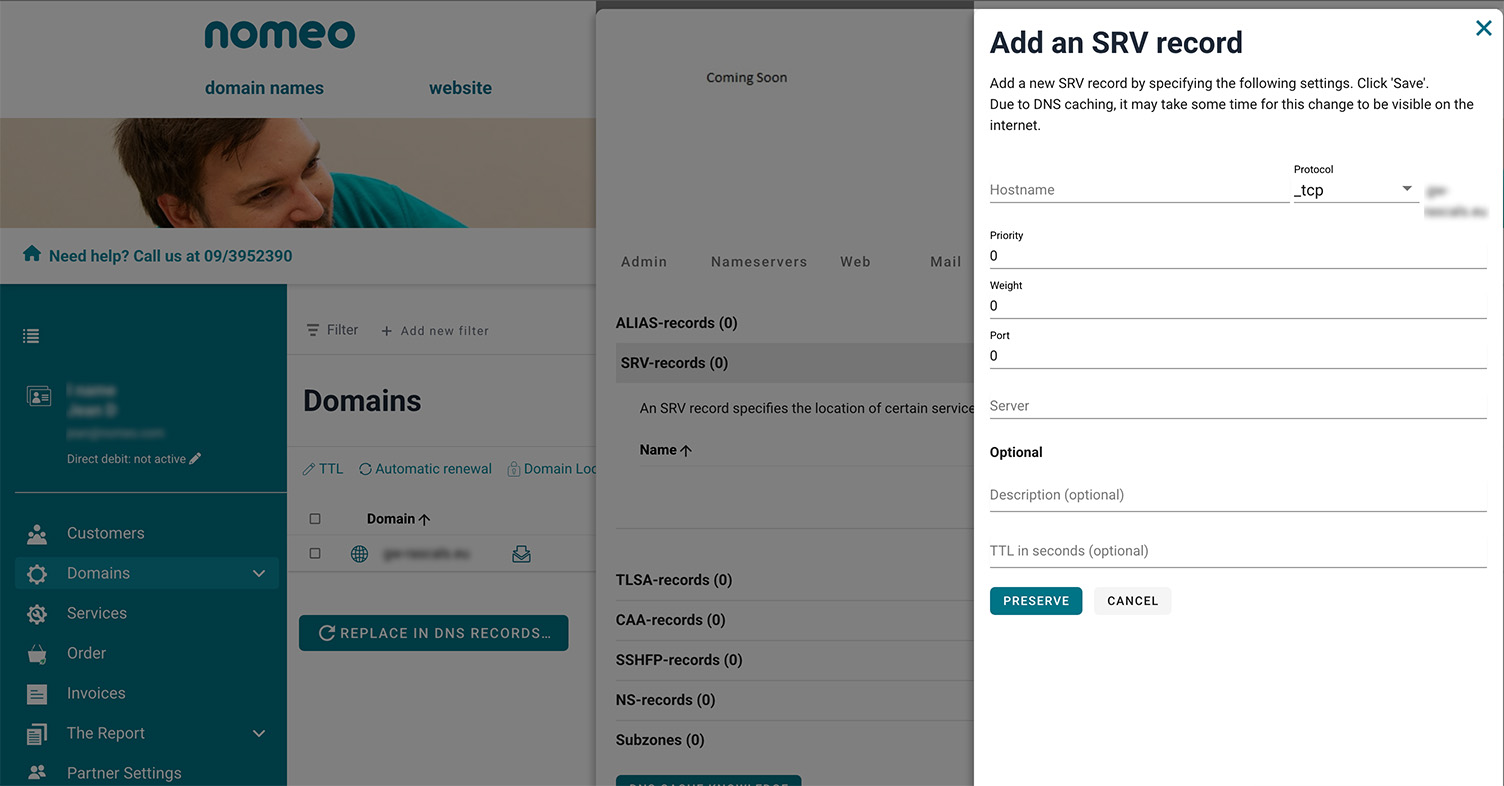
SRV-records
SRV records provide a connection between your domain name and specific services like VoIP and XMPP. You can easily configure them here.
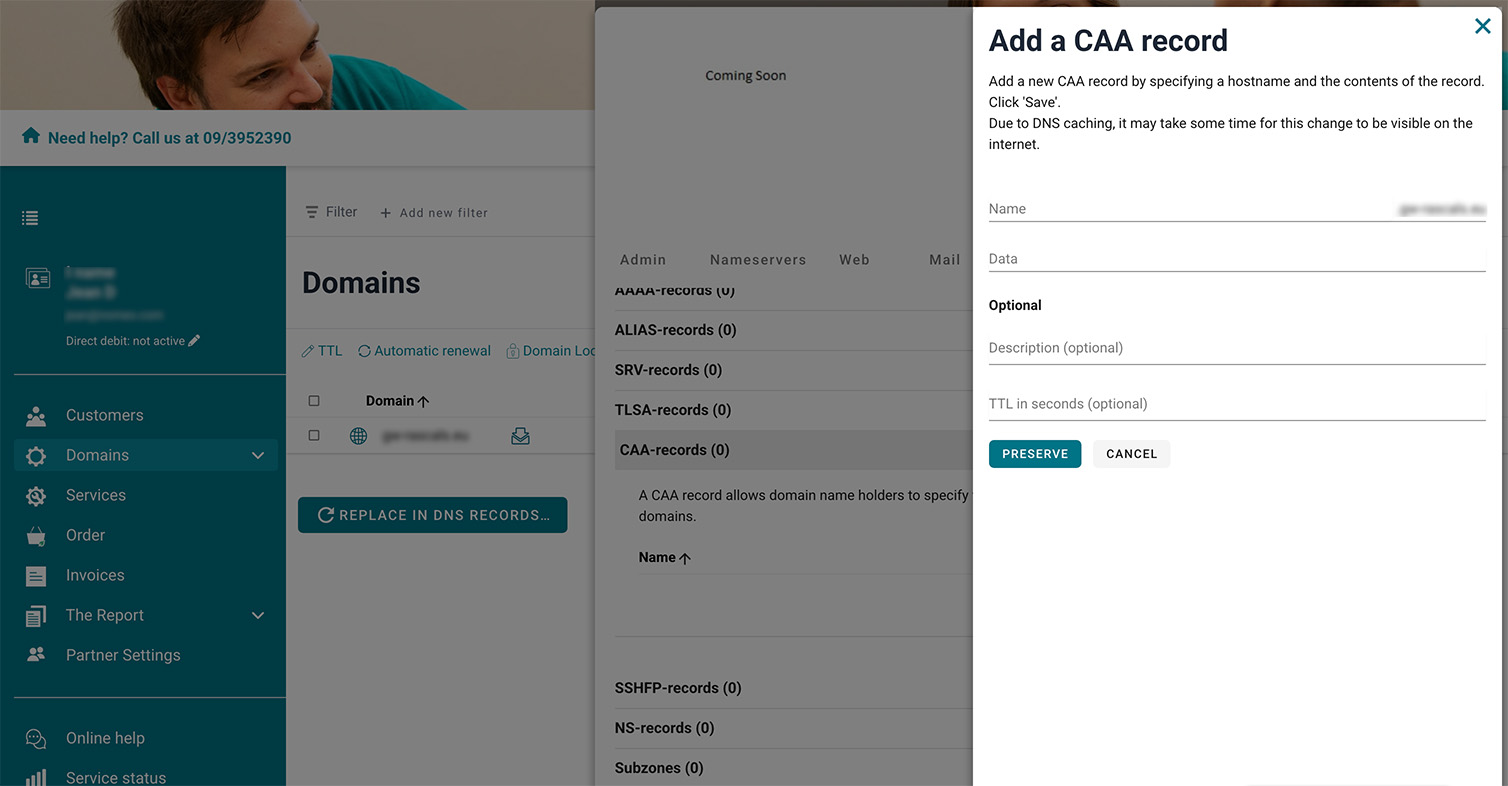
CAA-records
With a CAA record, you can specify which parties are allowed to issue an SSL certificate. You can easily and in real time enable this extra security in our control panel.
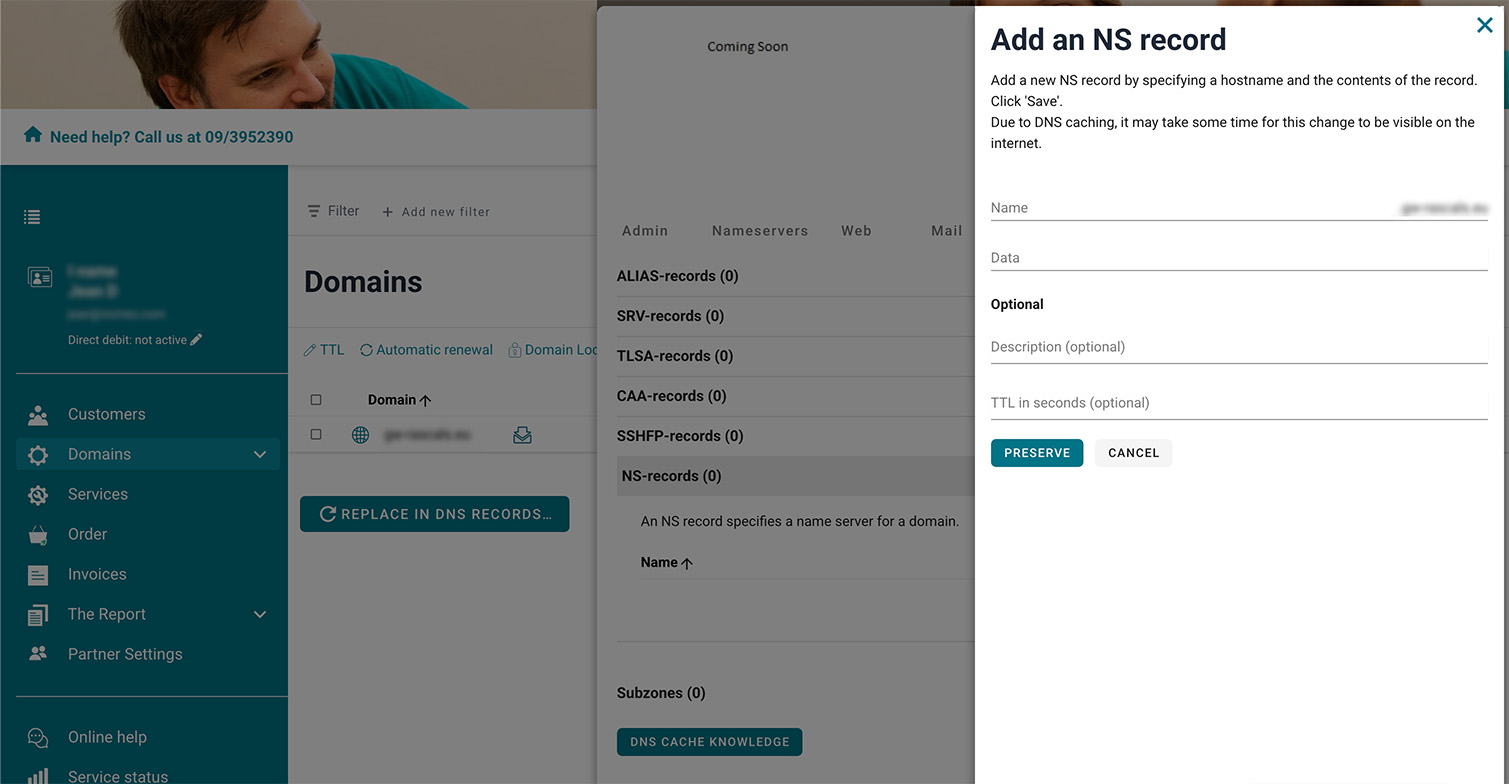
NS-records
NS records tell you which nameservers are responsible for a domain name. If you use your own nameservers, you can easily configure NS records here.
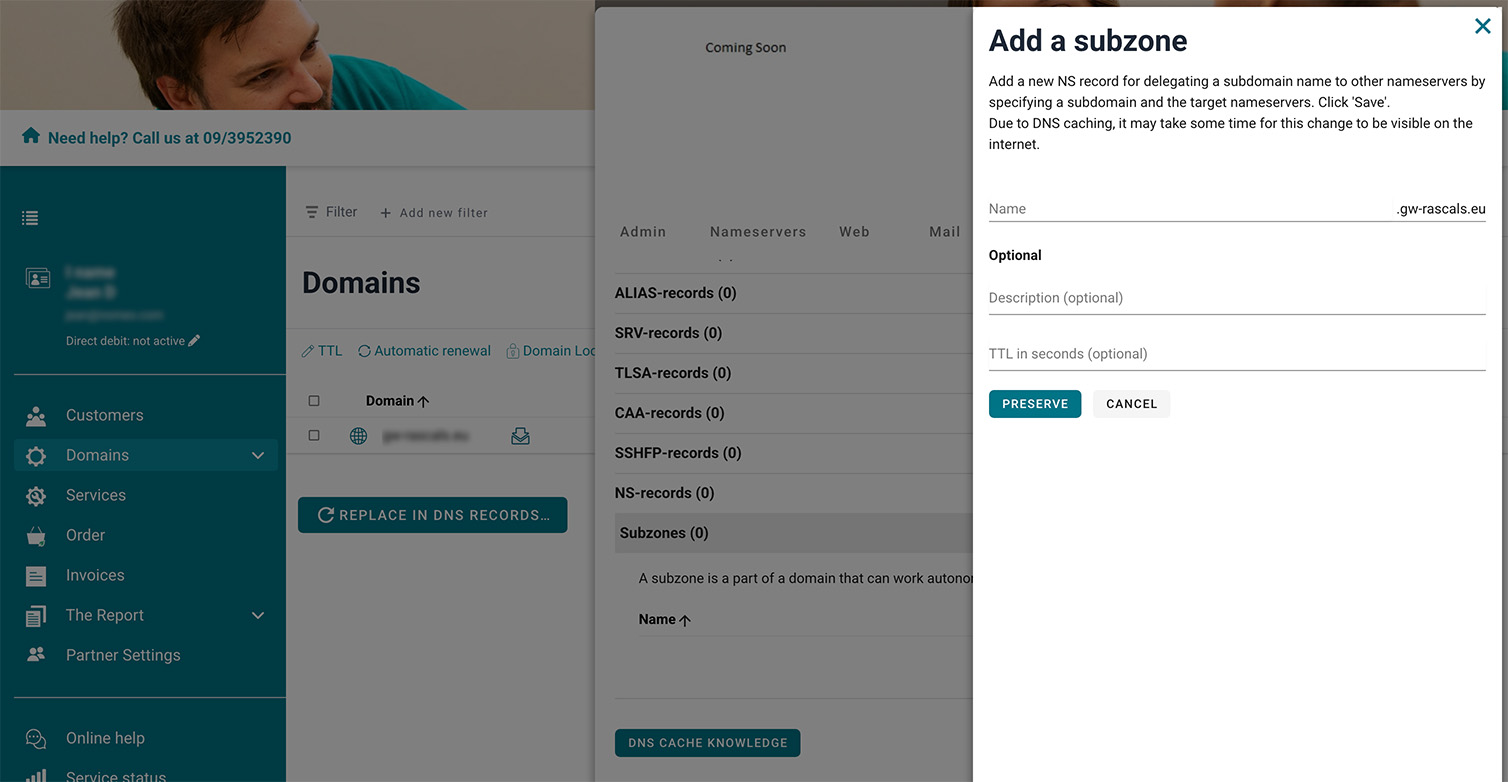
Subdomains
Subdomains are extensions of your domain name, created by adding an extra part in front of it. They’re useful for pointing to a separate website. You can easily add as many as you need here.
Web hosting
Upload website
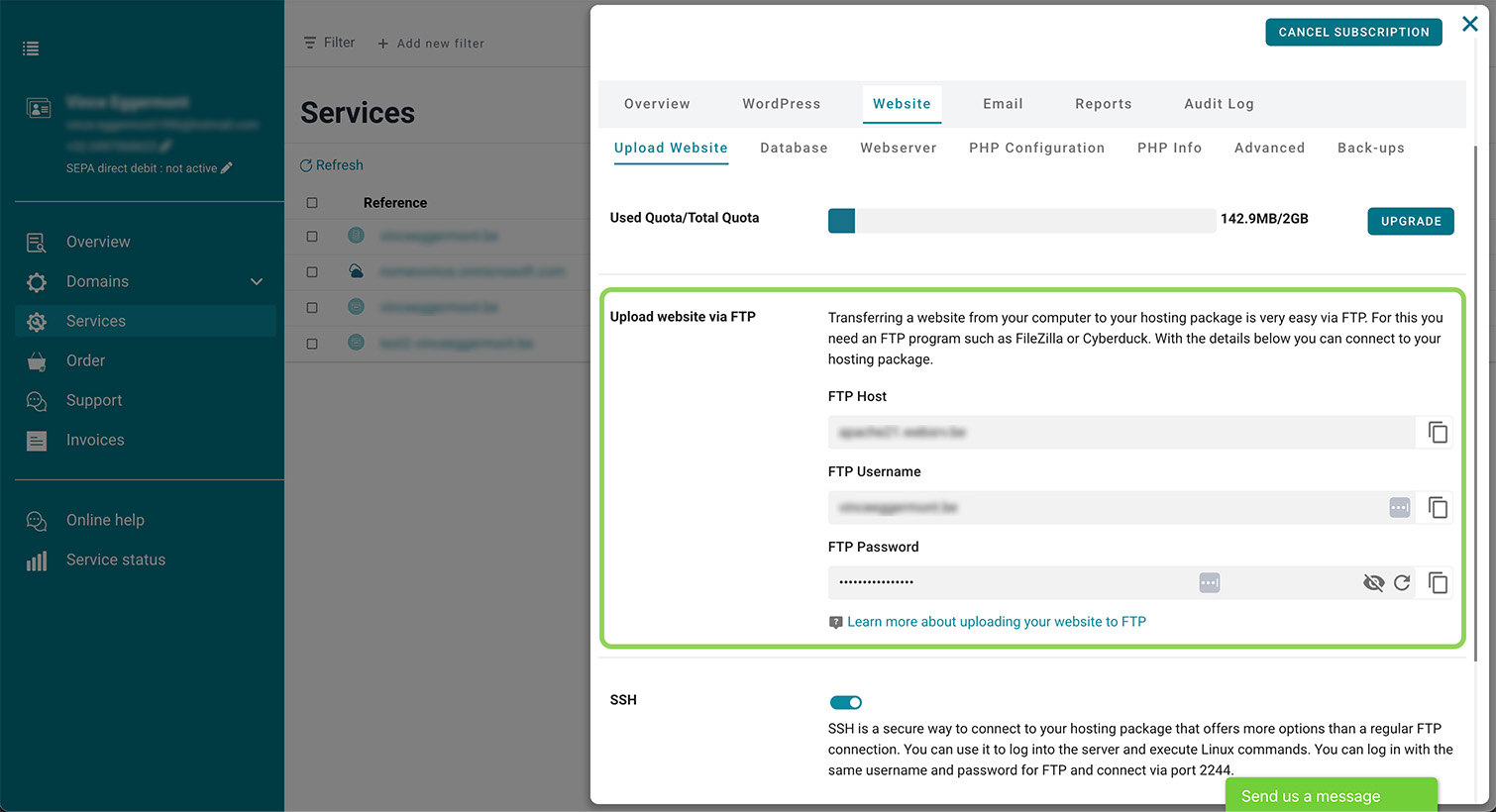
Upload website via FTP
With FTP, you can upload your website from your computer to your hosting package. Here you will find all the information you need to connect to your hosting package.
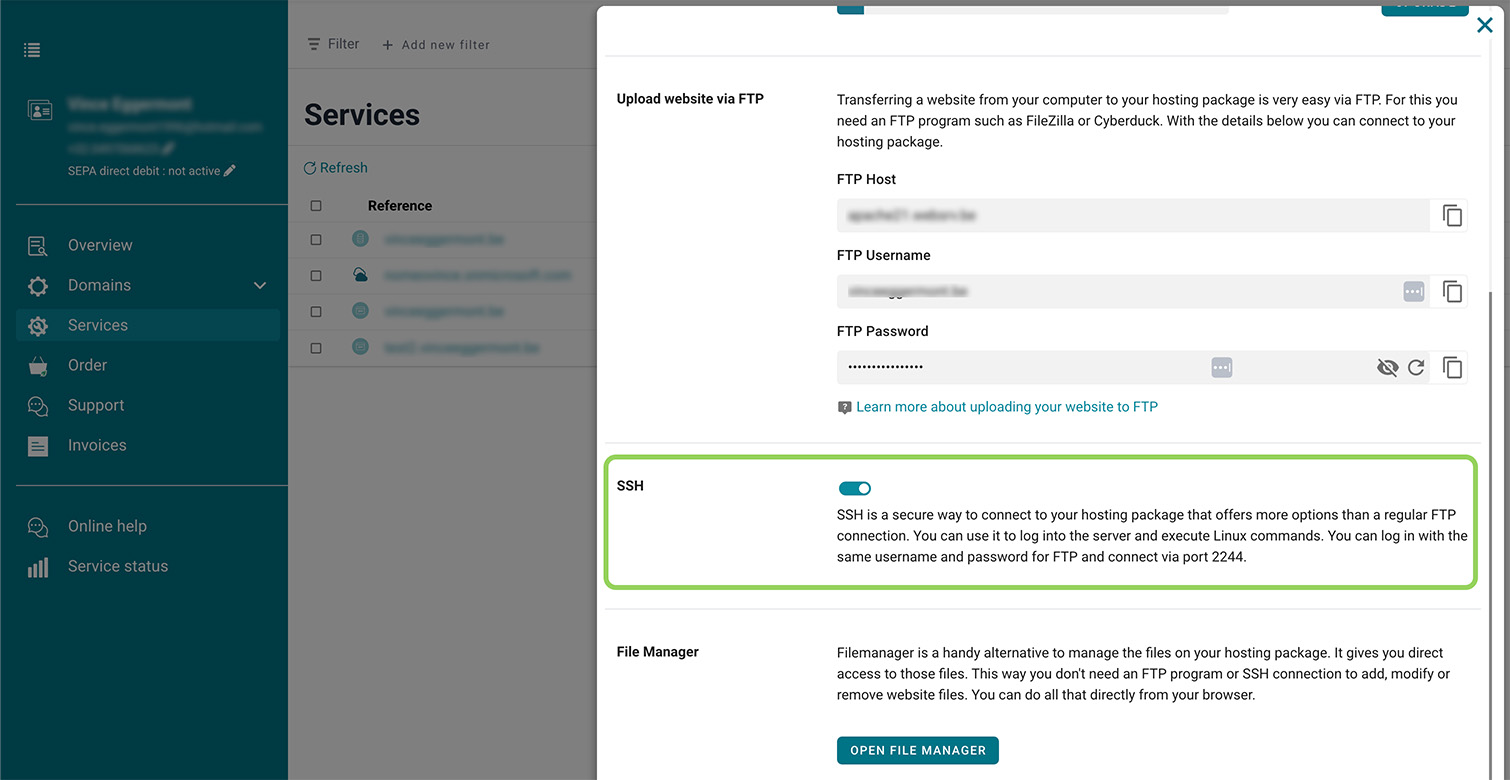
Activate SSH
SSH provides a secure connection to your hosting package. When enabled, it allows you to execute commands.
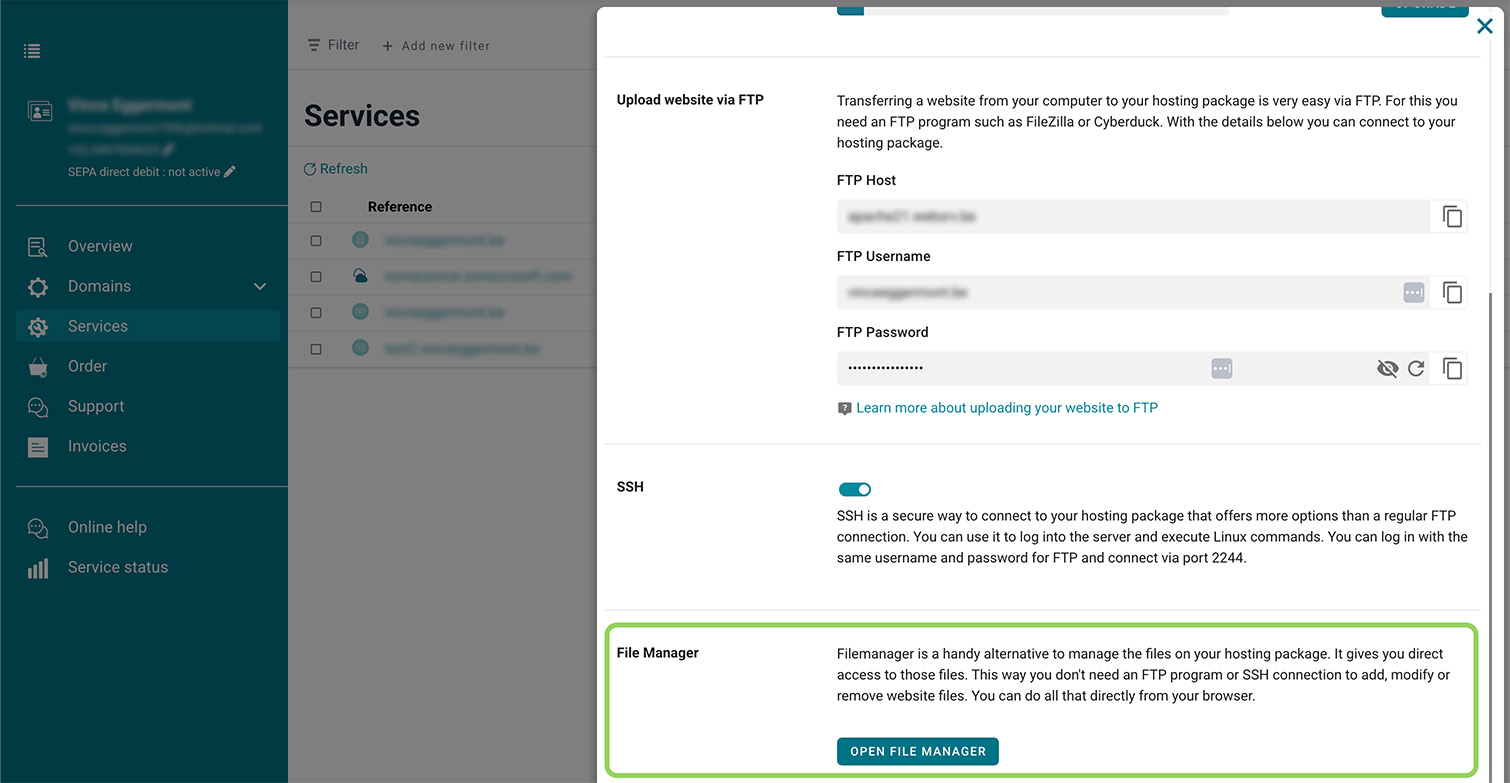
File manager
With the file manager, you don’t need to connect via an FTP program. You can work directly on your website from your browser.
Database
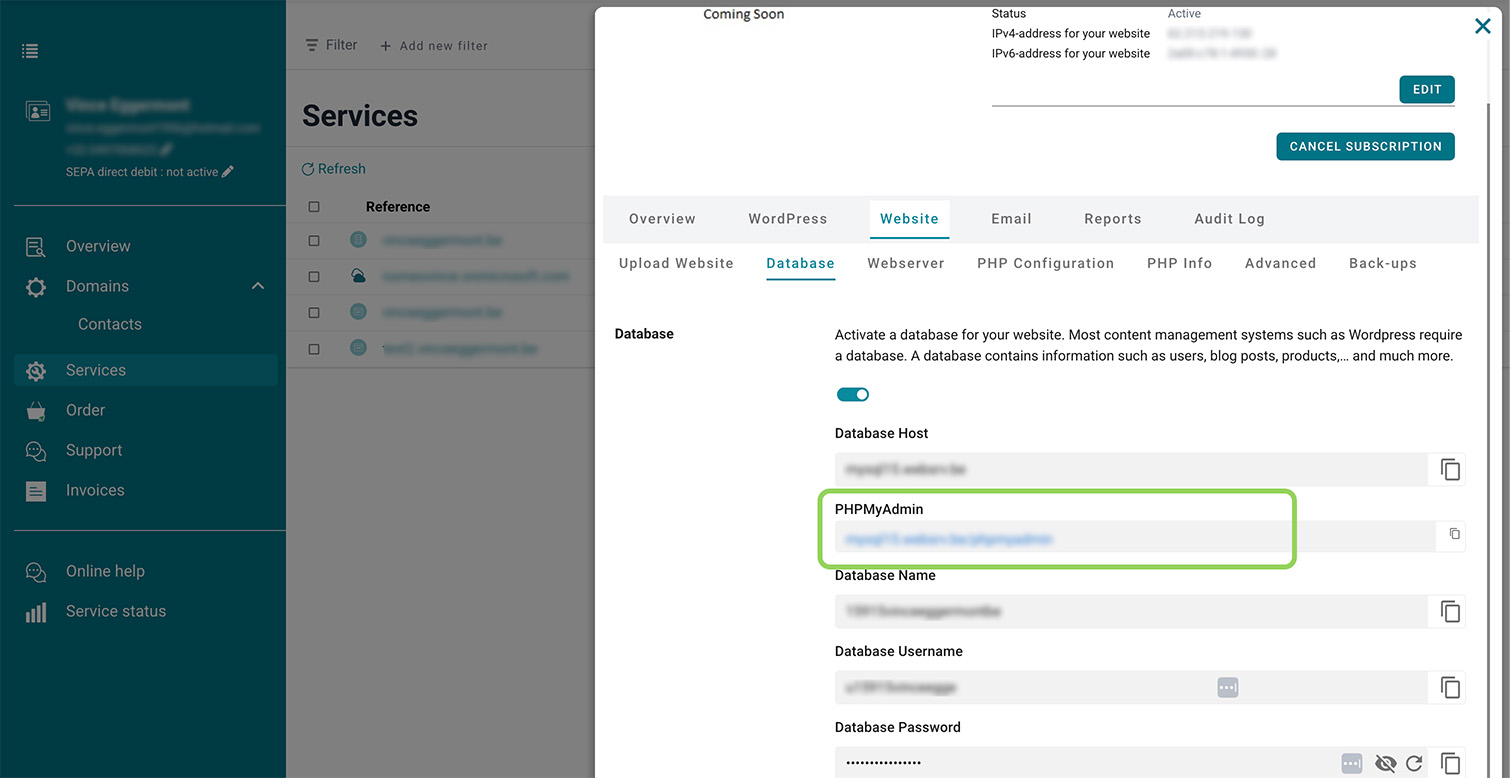
Log in to PHPMyAdmin
With PHPMyAdmin, you can manage your databases without using an external program. You can directly access the management portal through our control panel.
Web Server
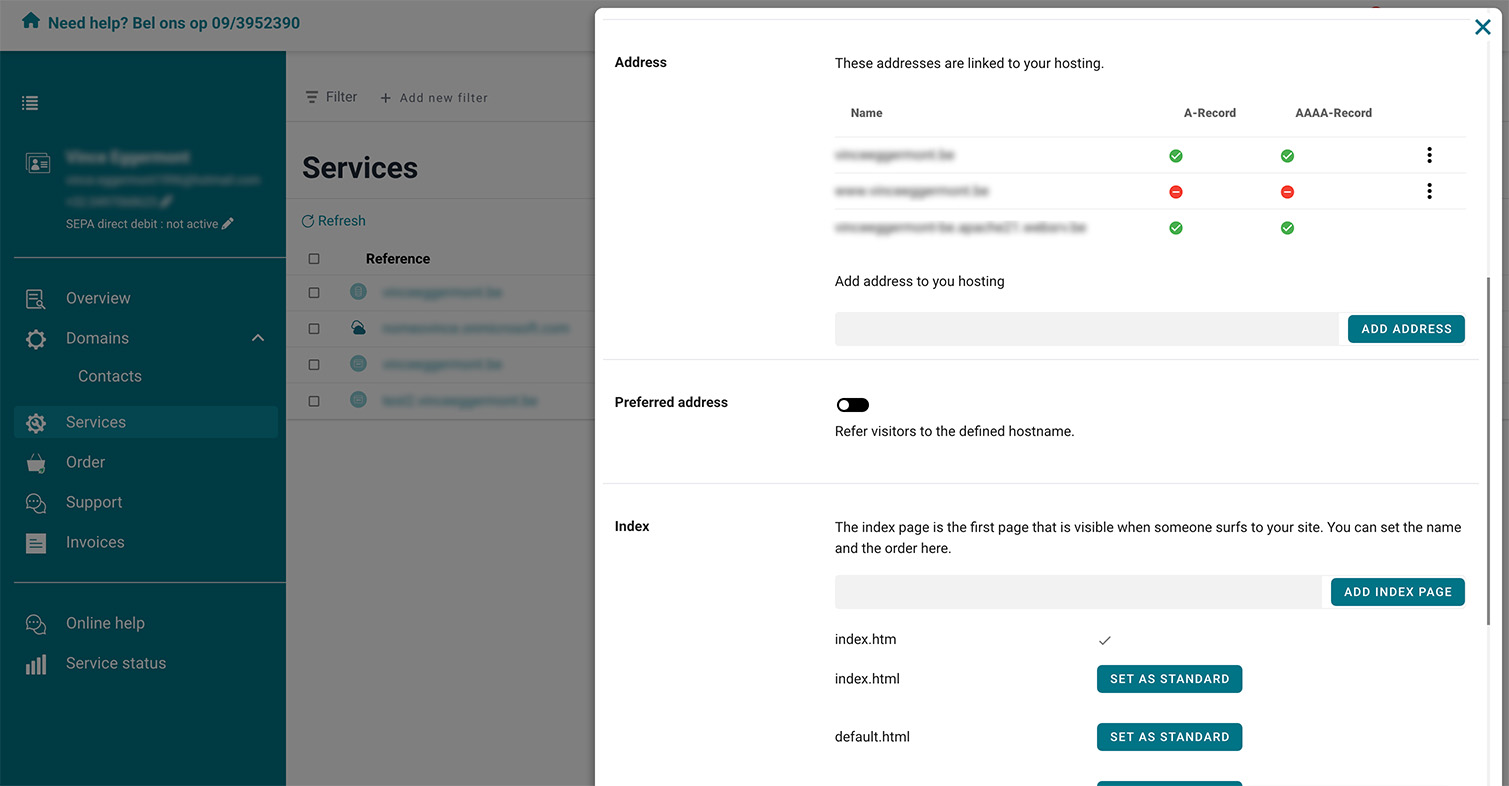
Preferred address
Enable this option to choose which hostname will redirect your visitors to your website.
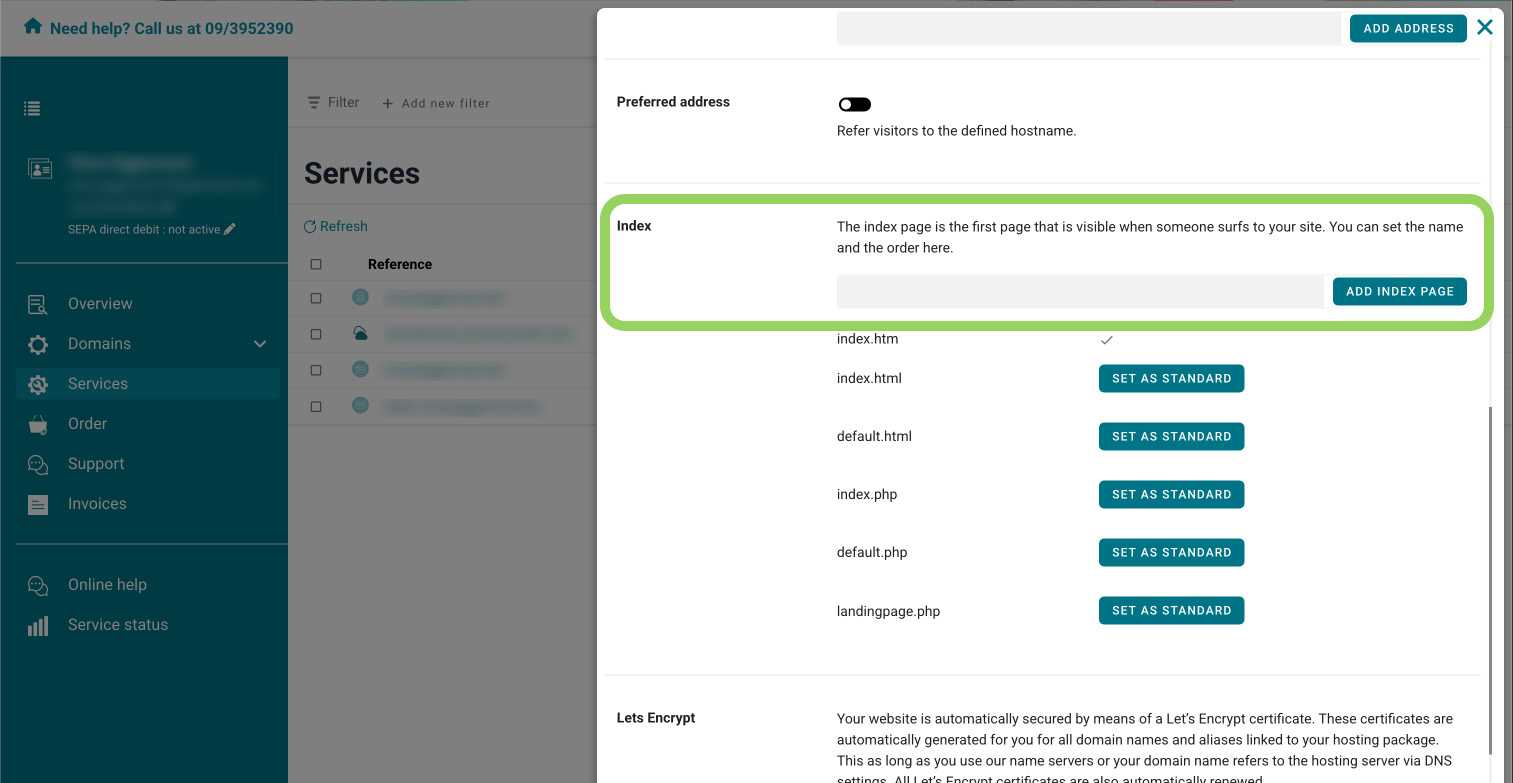
Choose your index page
The index page is the homepage of your website. In the control panel, you can easily choose which index page to use, without any programming required.
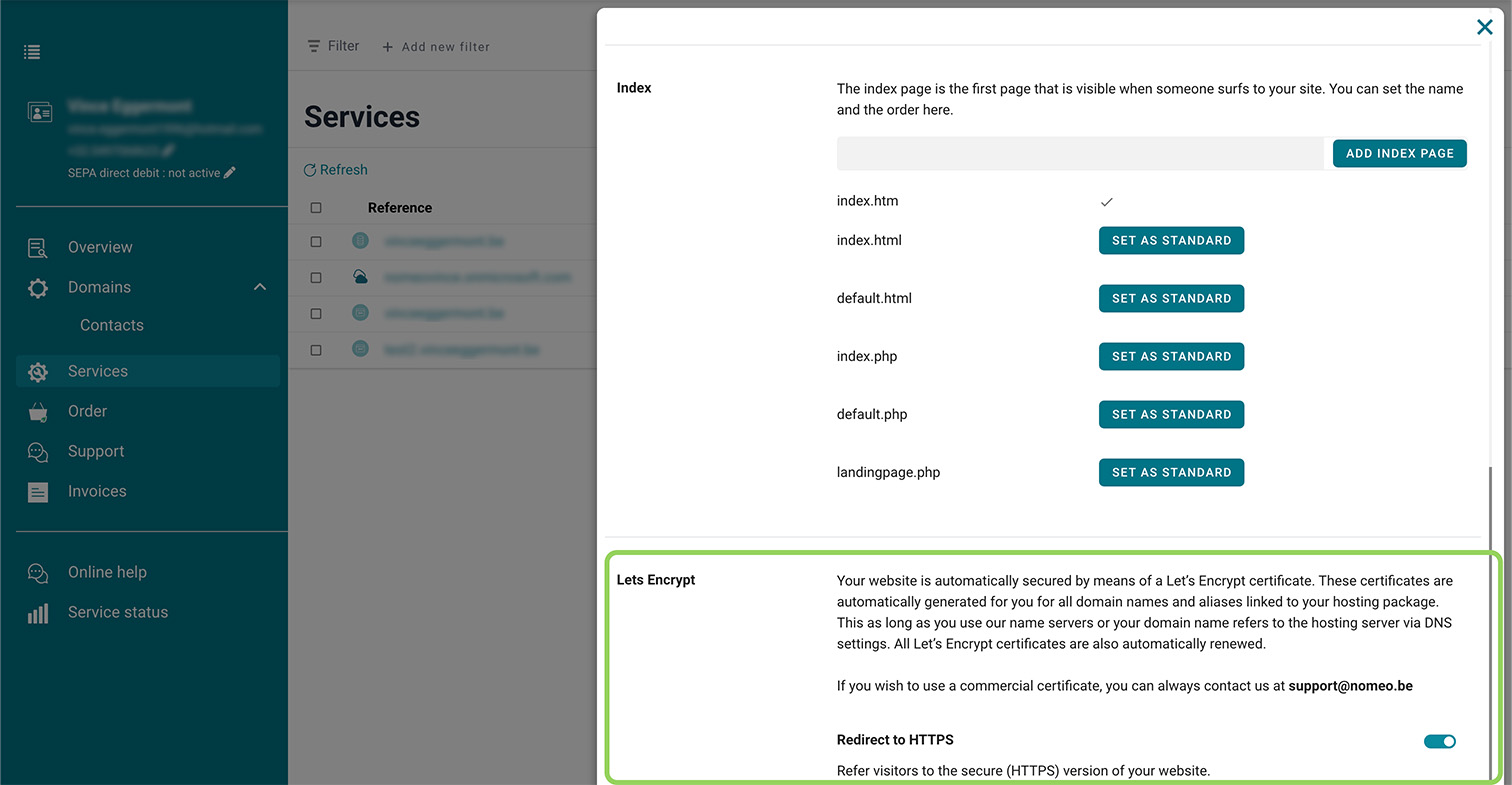
Let's encrypt
Let's Encrypt provides a secure HTTPS connection and is automatically activated for your domain.
PHP settings
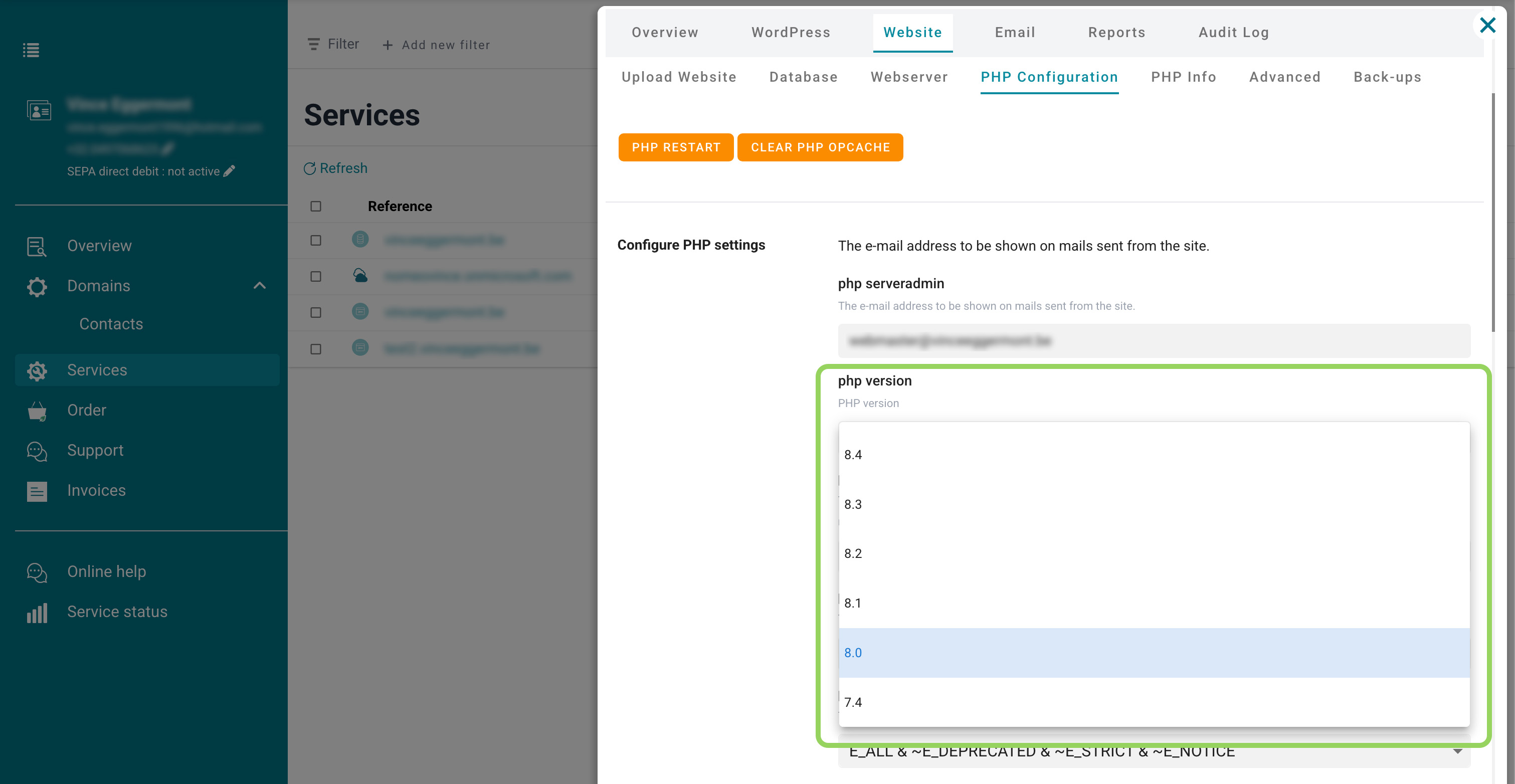
Choose your PHP version
You can choose which PHP version to use and define the limits to be followed. Configuring PHP in our control panel is quick and easy.
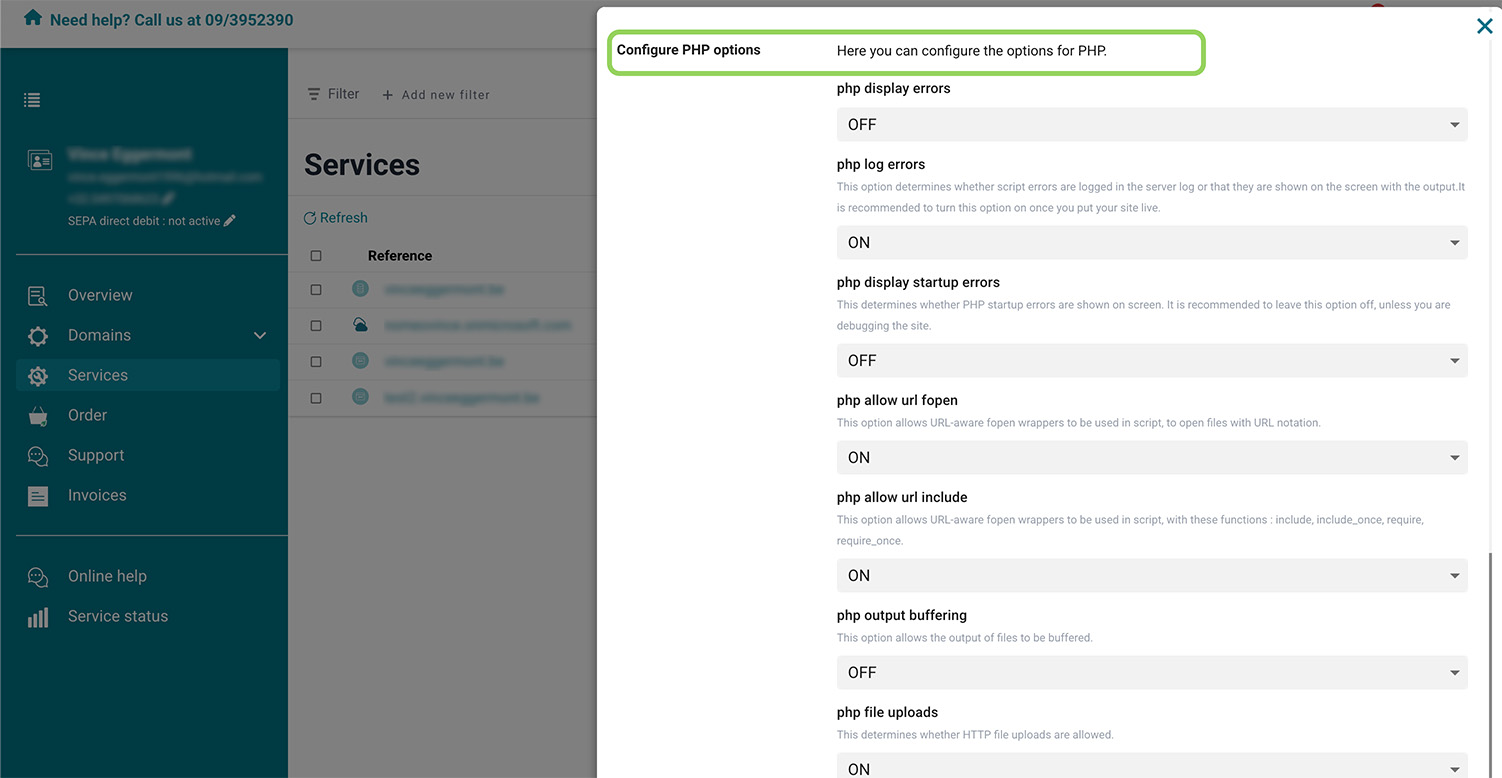
Enable/Disable PHP options
Set the level of detail for your error logs and more through the control panel. All changes take effect instantly with a simple click.
Advanced settings
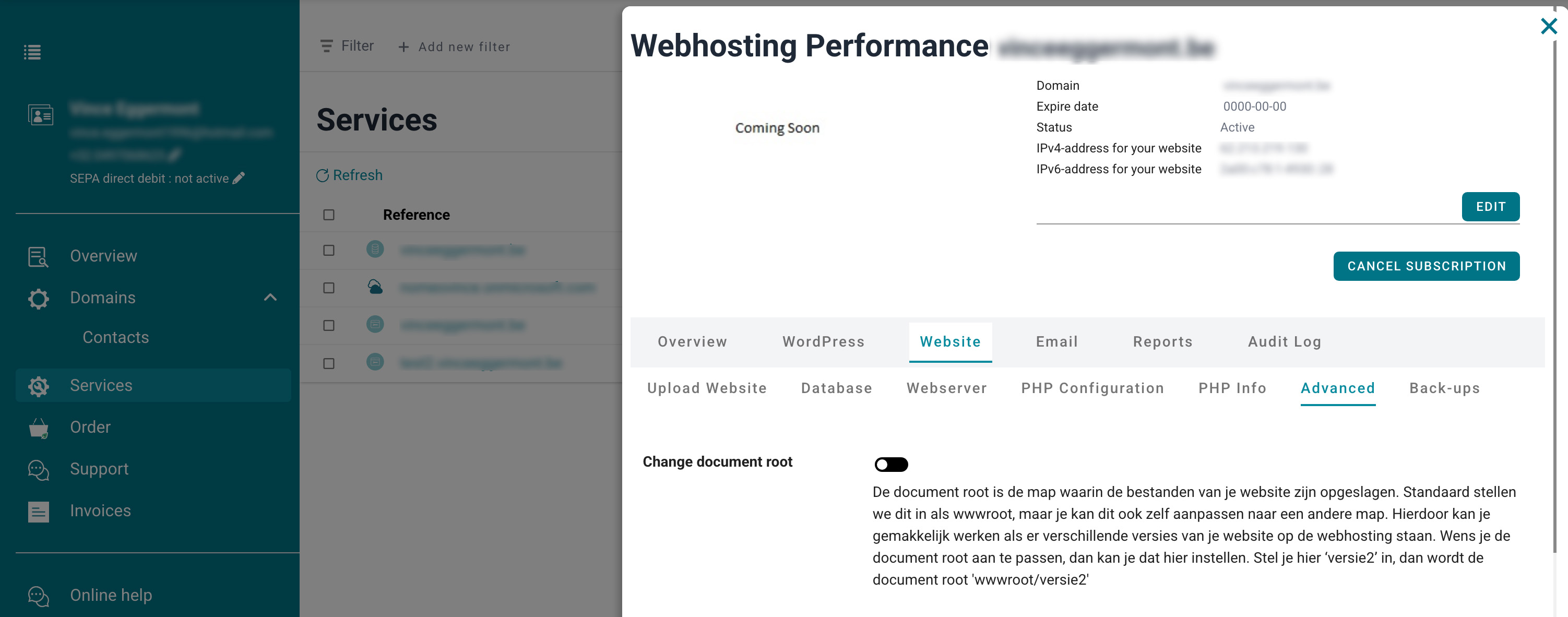
Change document root
Working on different versions of your website within one hosting package? Easily adjust the root document to switch between versions.
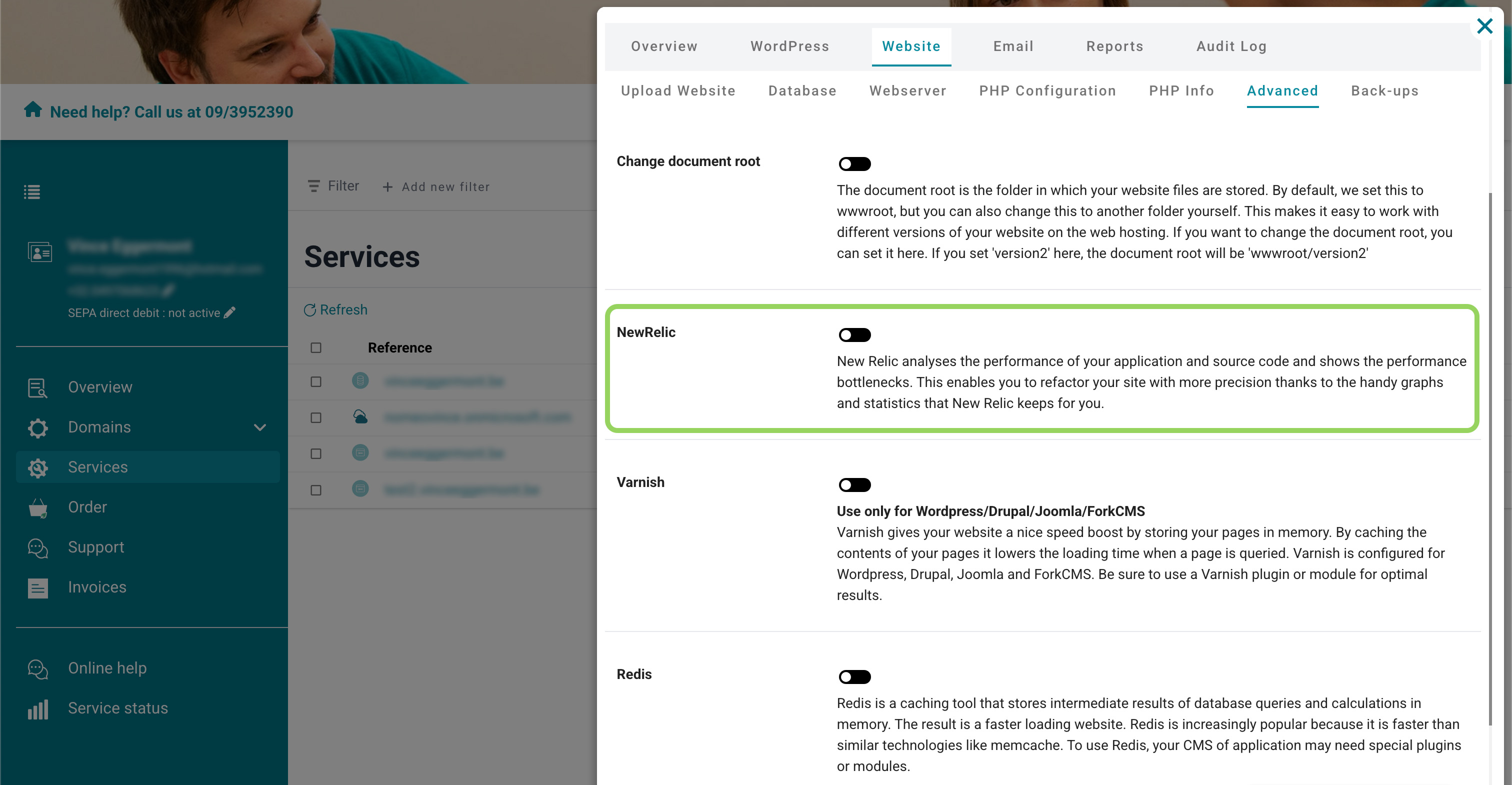
New Relic
New Relic quickly identifies performance issues on your website. With insightful statistics and graphs, you can optimize performance accordingly.
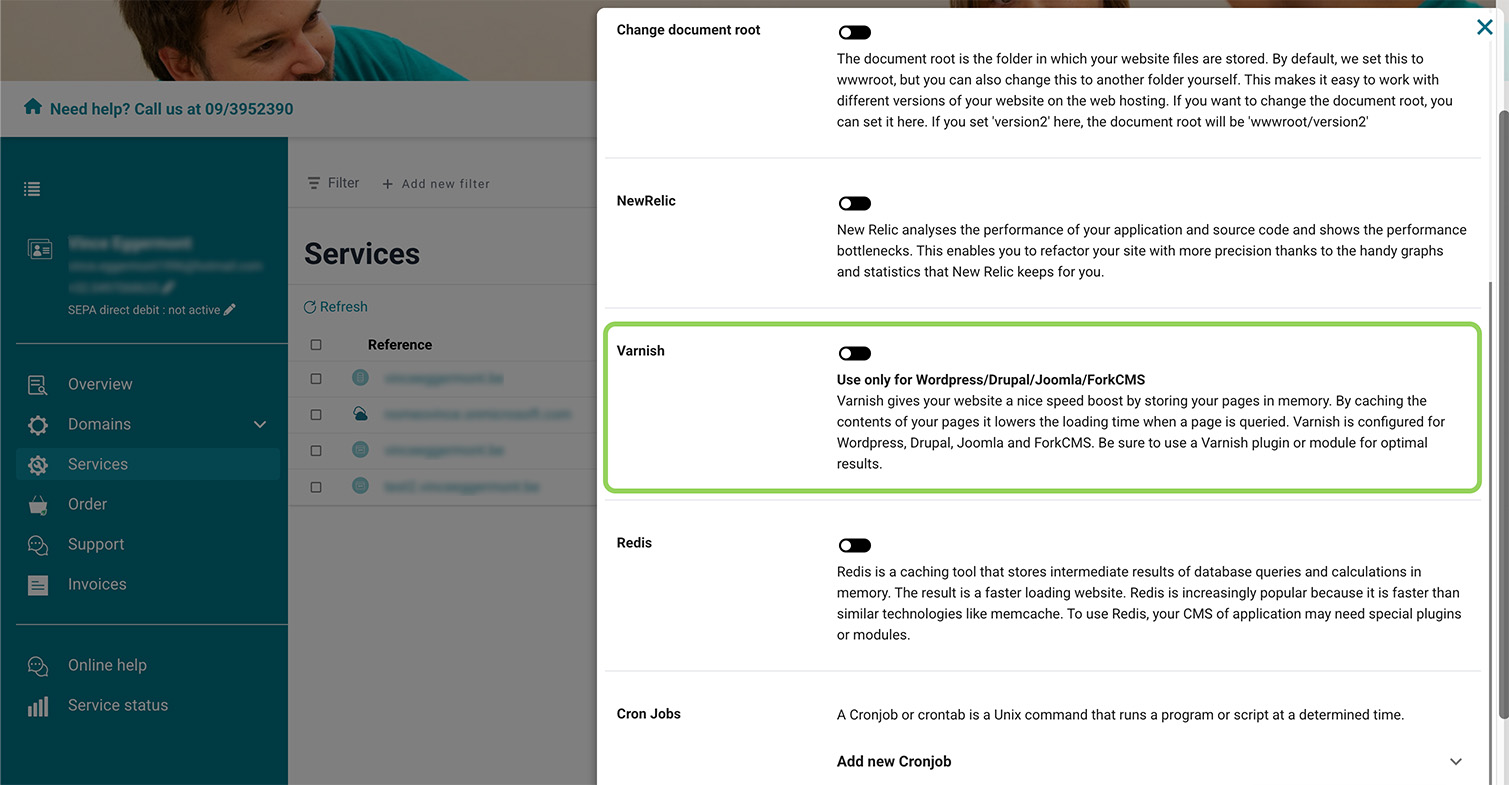
Varnish (caching)
Varnish speeds up your website by temporarily storing web pages in cache. In addition to improving performance, it also helps keep servers more stable.
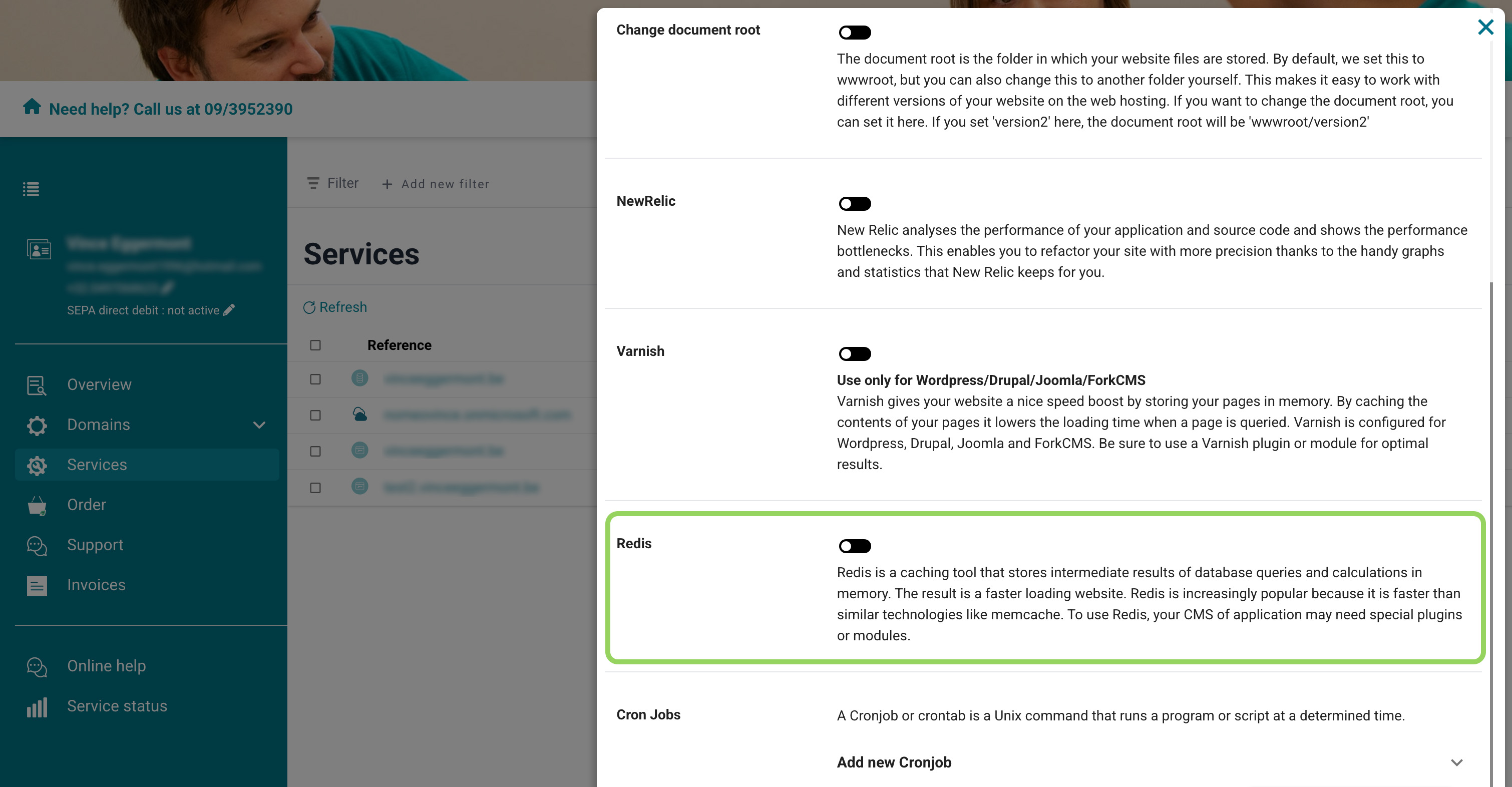
Redis (caching)
Redis is an advanced caching technique that speeds up your website by temporarily storing computations. You can enable it for free in the control panel.
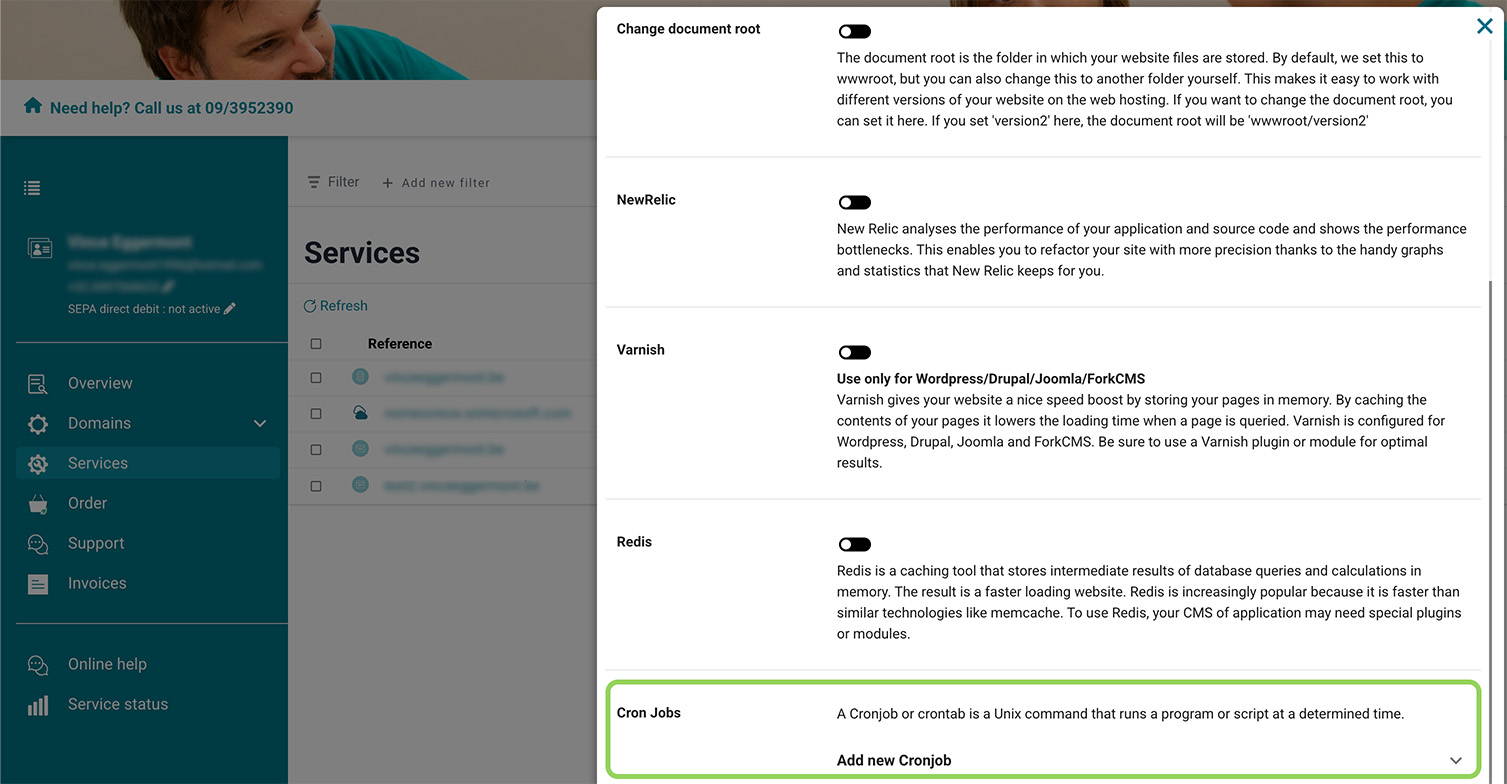
Cronjobs
Cronjobs are tasks that run automatically at scheduled times. They’re useful for tasks like updating product stock in your webshop.
WordPress
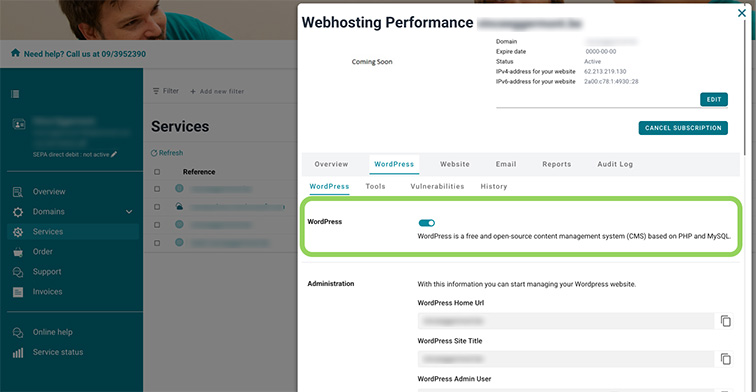
Install WordPress
Want to create a website with WordPress? Install the popular CMS with just one click on your hosting package through the control panel, and get started right away.
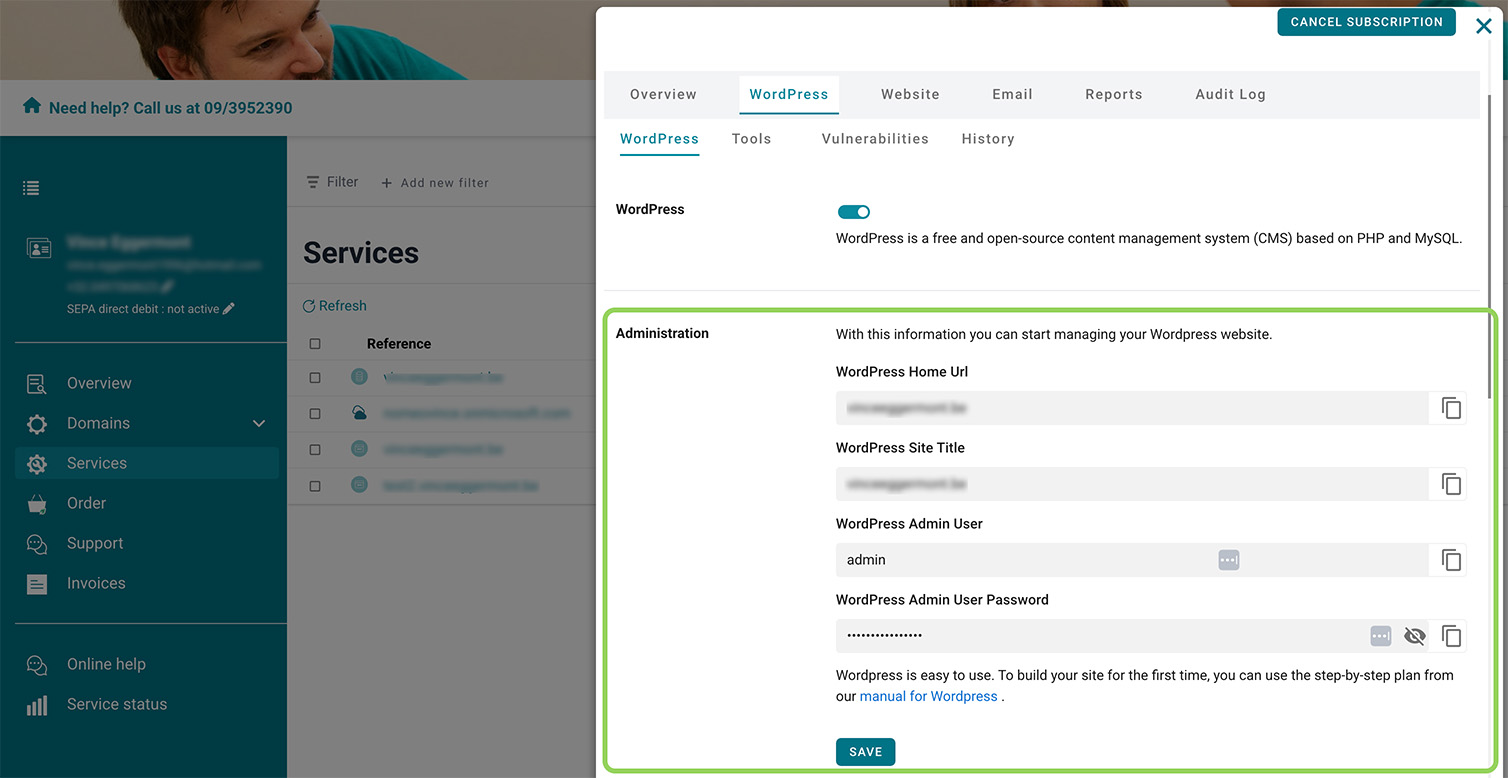
WordPress settings
Change the username, password, administrator email, and more for your WordPress website.
SSL certificates
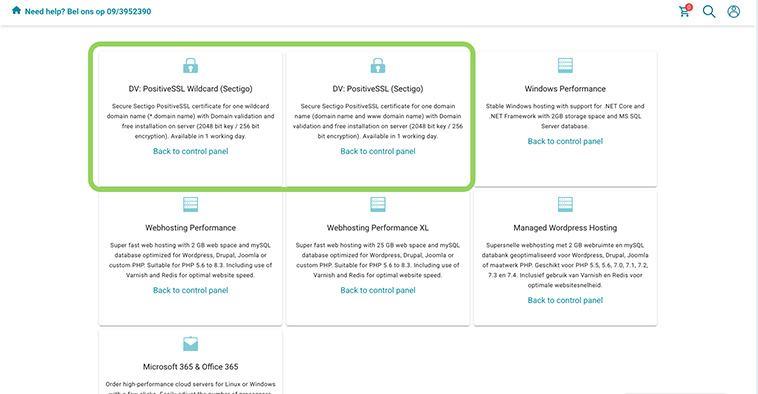
Order an SSL certificate
Easily order an SSL certificate (Sectigo) through the control panel by simply filling in the required details.
Microsoft 365
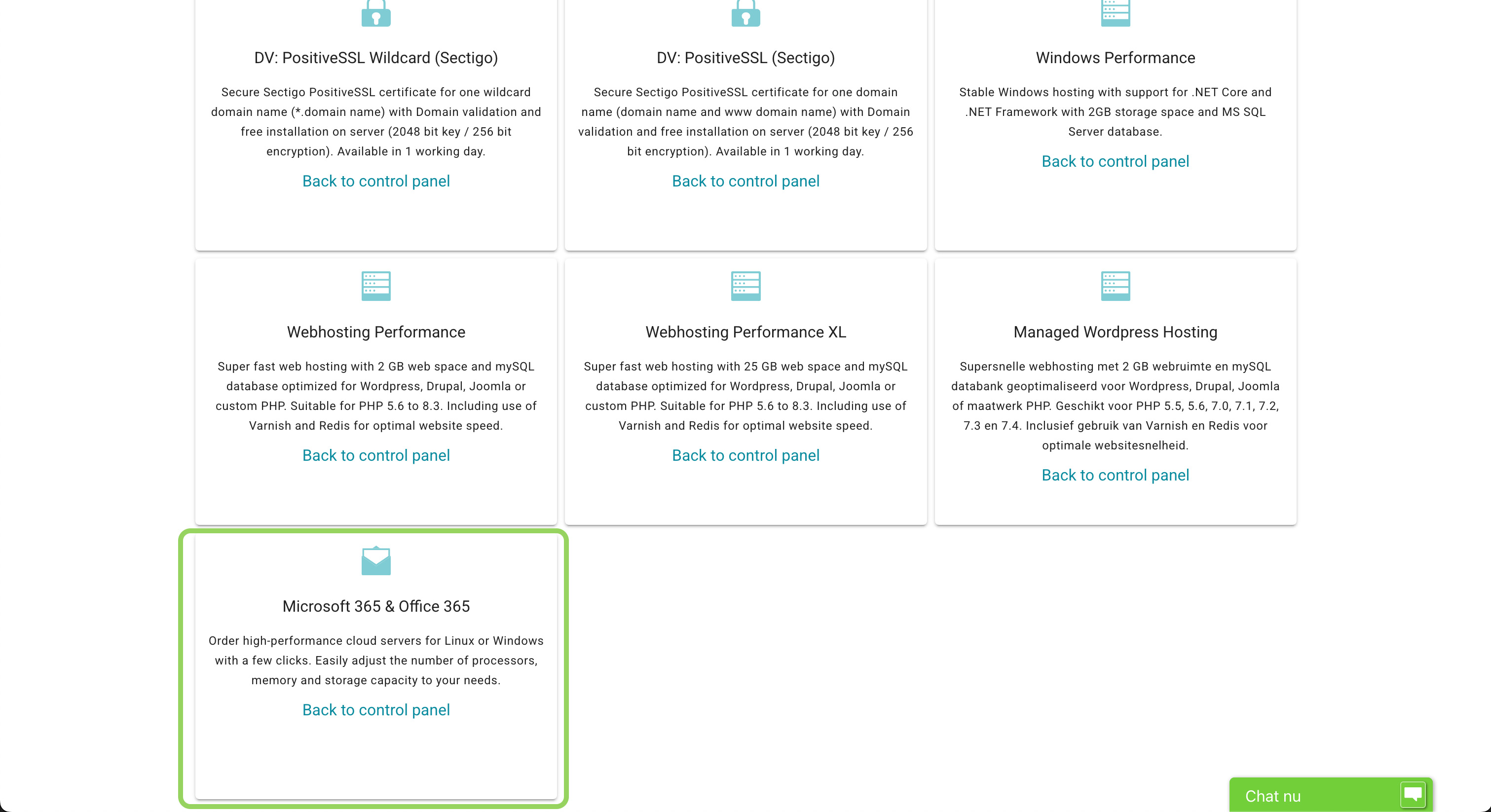
Order Microsoft 365
Easily order a Microsoft 365 package through our control panel. Choose yourself or one of your clients as the user, and then select the exact subscription you wish to order.
Cloud servers
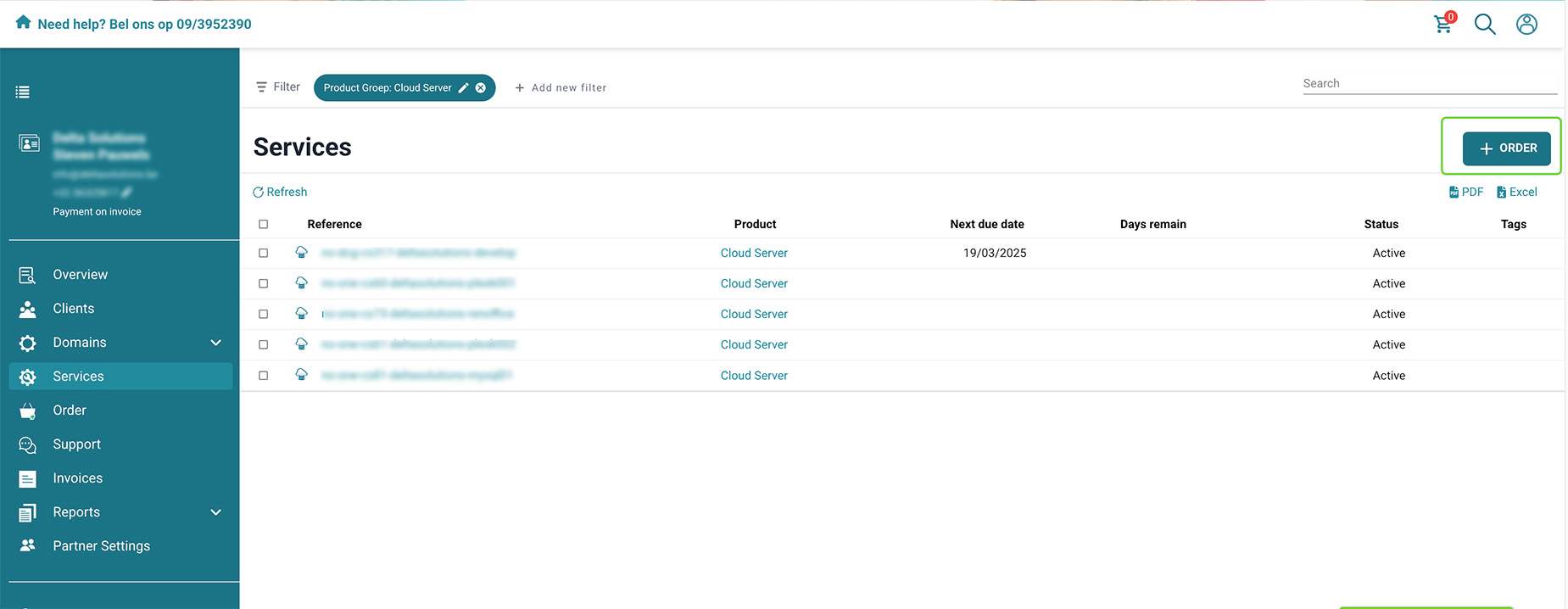
Order a cloud server
Easily order a new cloud server through the control panel and start configuring it right away.
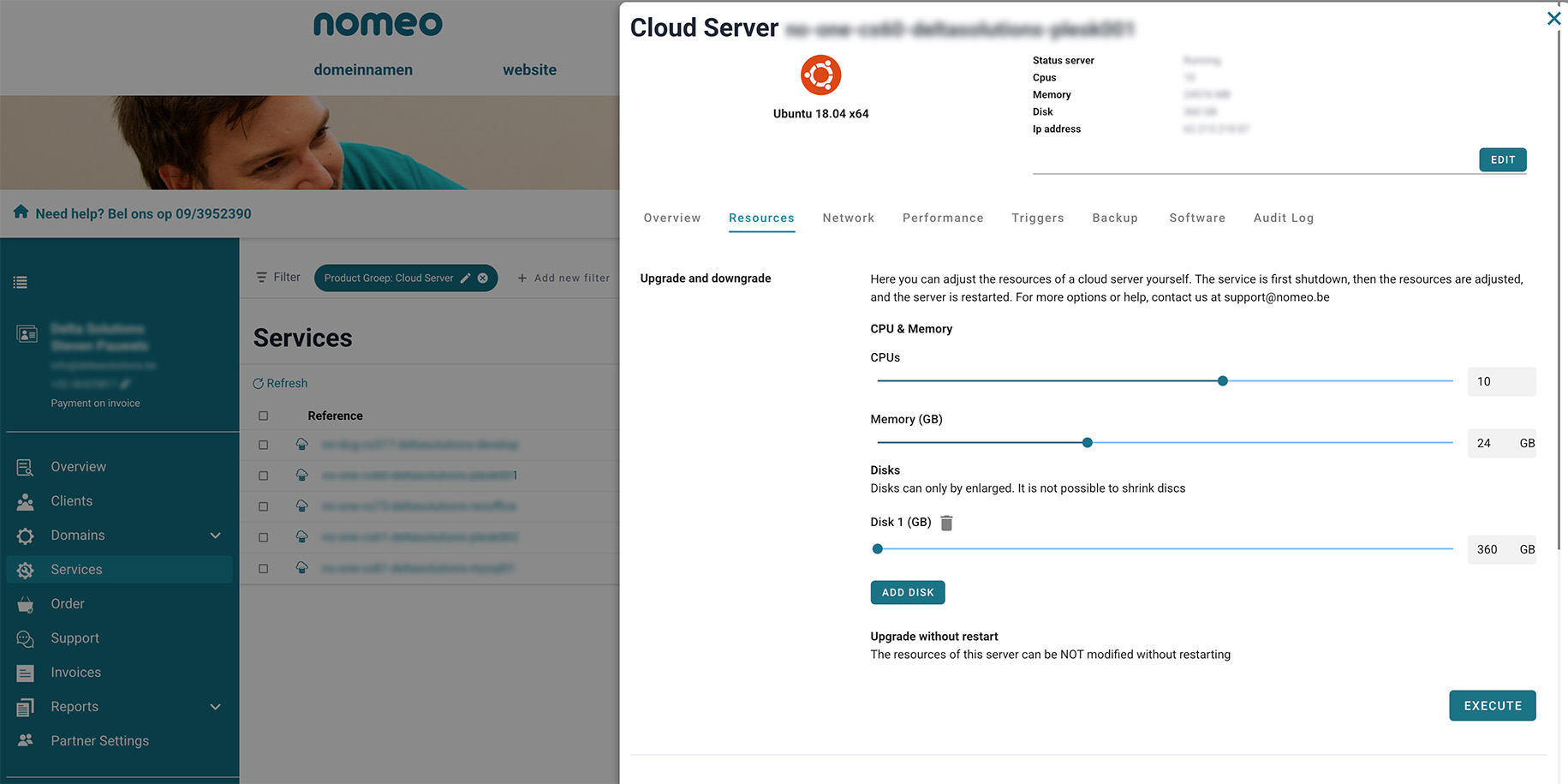
Upgrade or downgrade your cloud server
Expecting a temporary spike in visitors? You can upgrade your cloud server to handle the increased load. Once the peak is over, you can return to the previous settings.
Billing
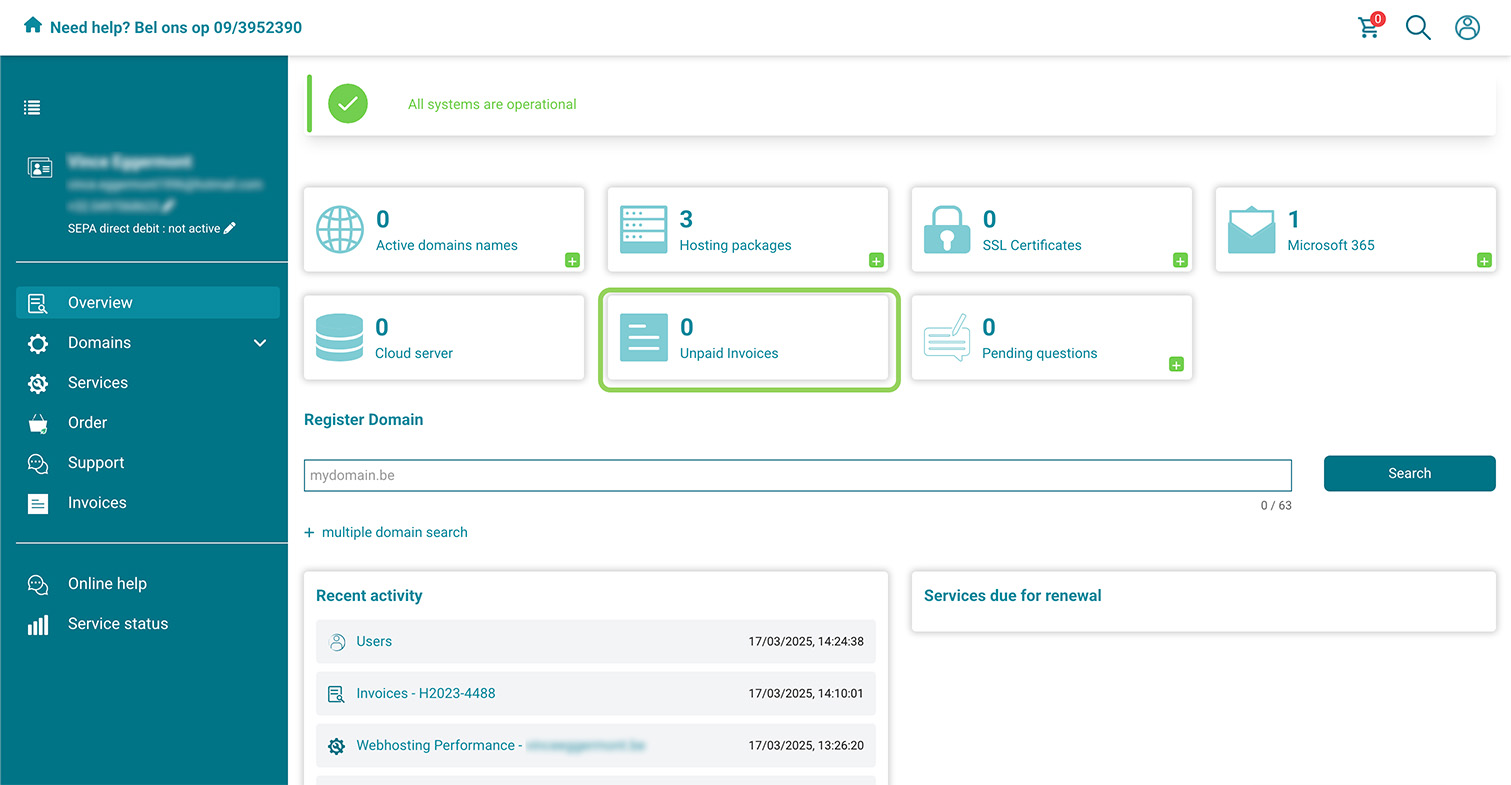
Track billing status
All invoices remain visible in the control panel. You can instantly see whether they are paid, still open, or have been canceled.
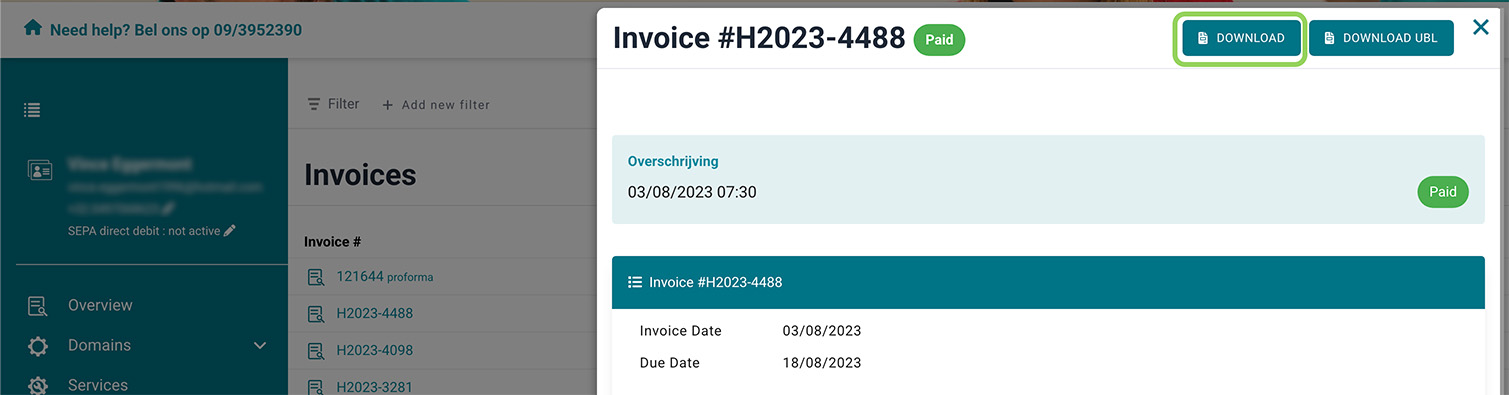
Download your invoices
With a single click, you can download all invoices, whether you need them for tax purposes or any other reason.
Support
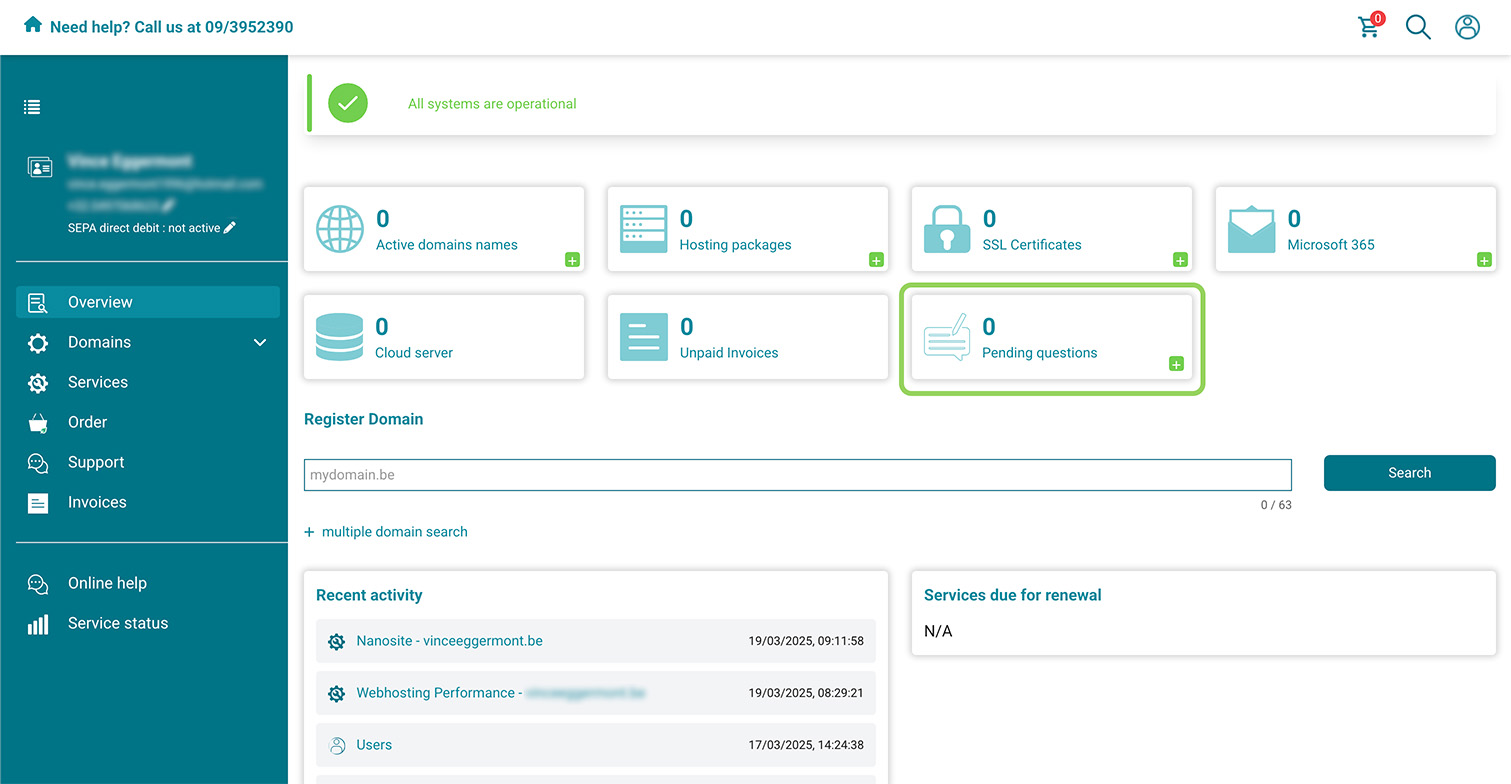
Overview of your tickets
Want to check if any tickets are still open or review an older ticket? In the control panel overview, you can find all tickets along with their status.
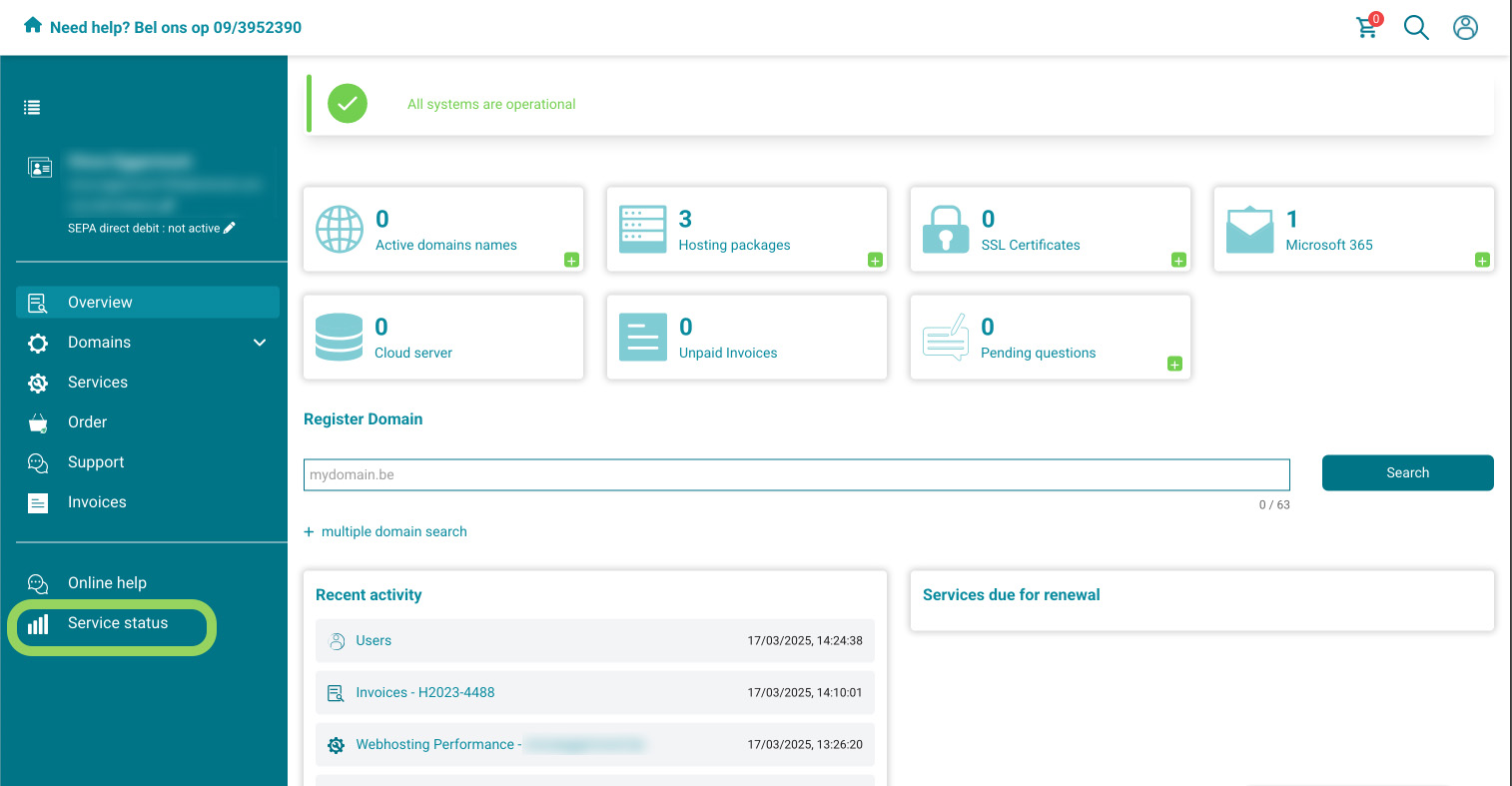
Service status
Check the service status to see if any services are under maintenance or temporarily unavailable.
Extra features
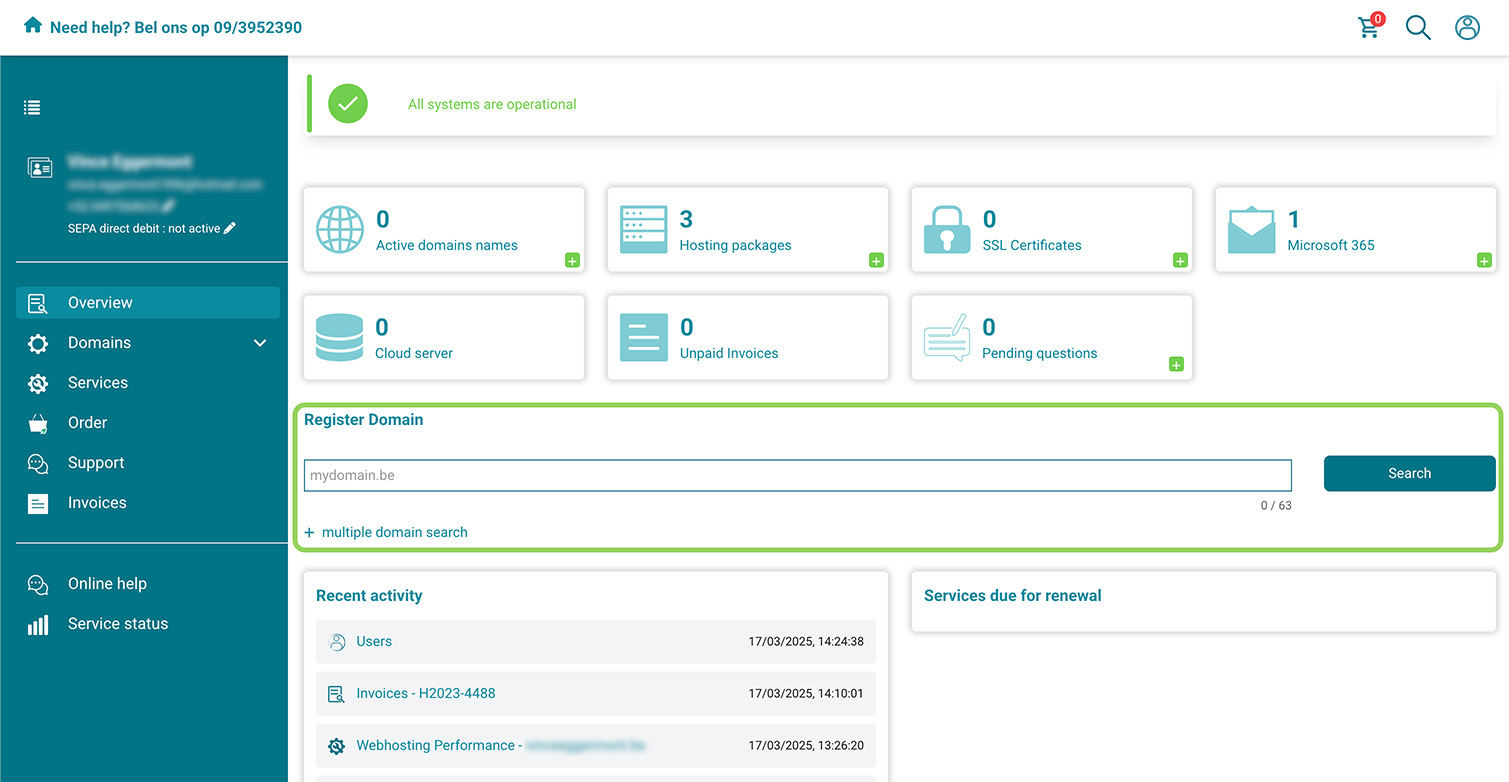
Register domain names
Looking to register a new domain or secure multiple domains at once? On the control panel’s homepage, you can quickly check their availability and register them with ease.
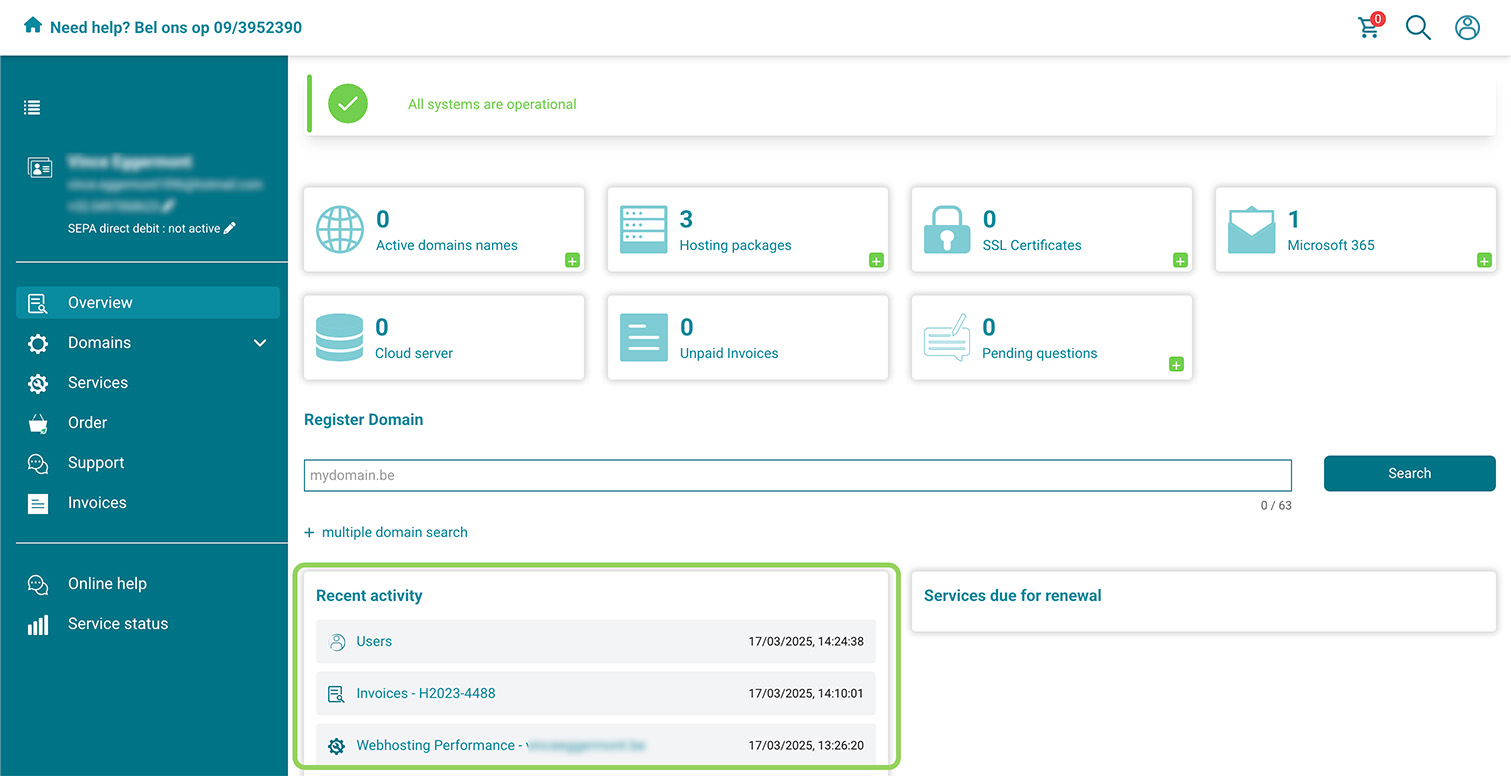
Recent activity
The recent activity list shows what you've been working on. Need to quickly return to a specific DNS setting? Just click on the activity to resume configuring.
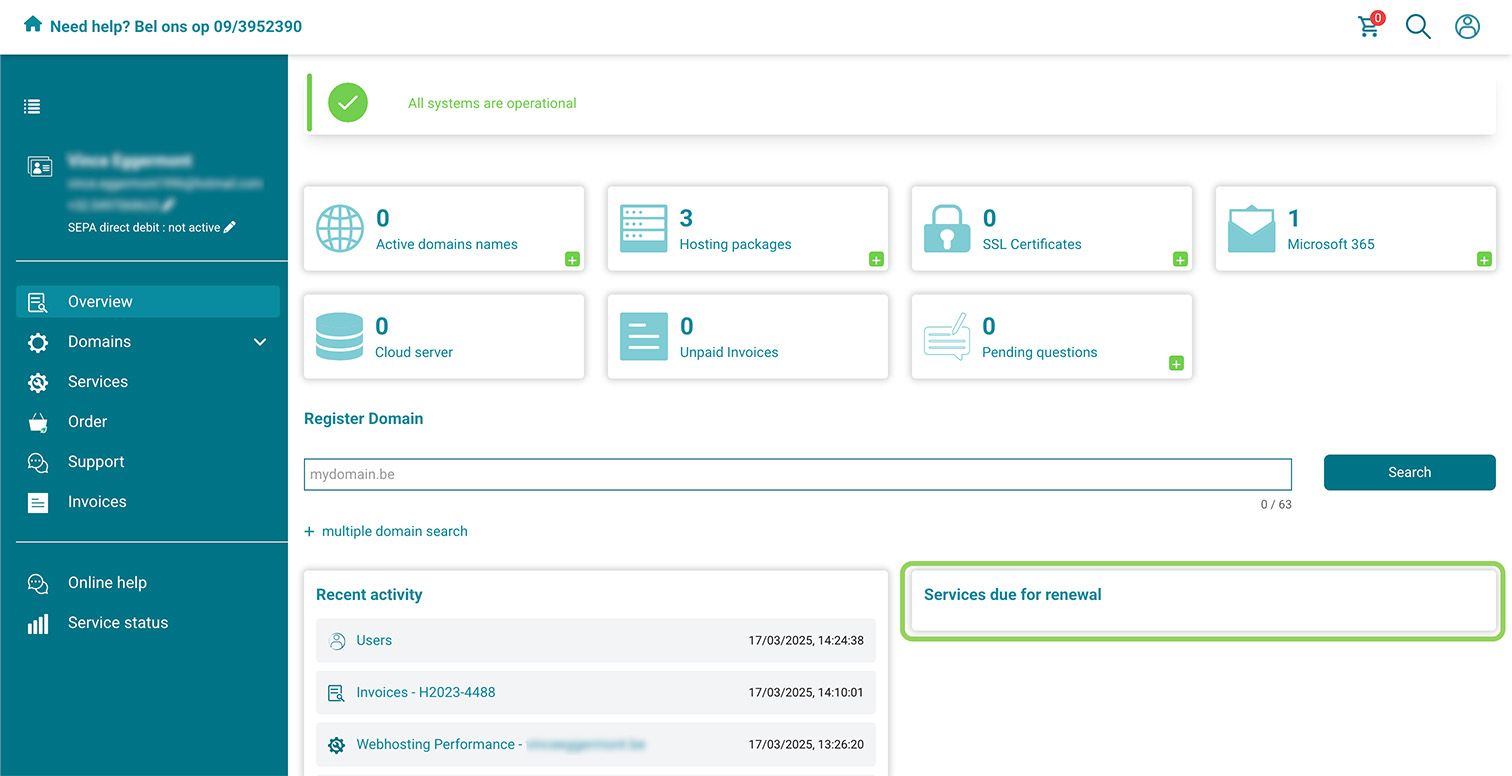
Services to renew
Tracking when services are expiring can be time-consuming. Under services to renew, you can clearly see if your domain names, hosting packages, or other services are approaching their renewal date.
Clients (for partners)
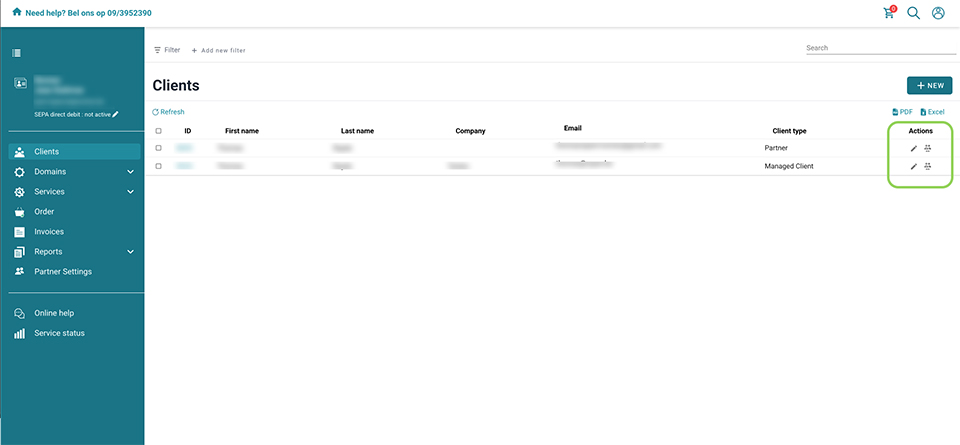
Manage contact details
Changing your contact details soon? Need to update the VAT number for one of your clients? You can easily do this through the client overview in the control panel.
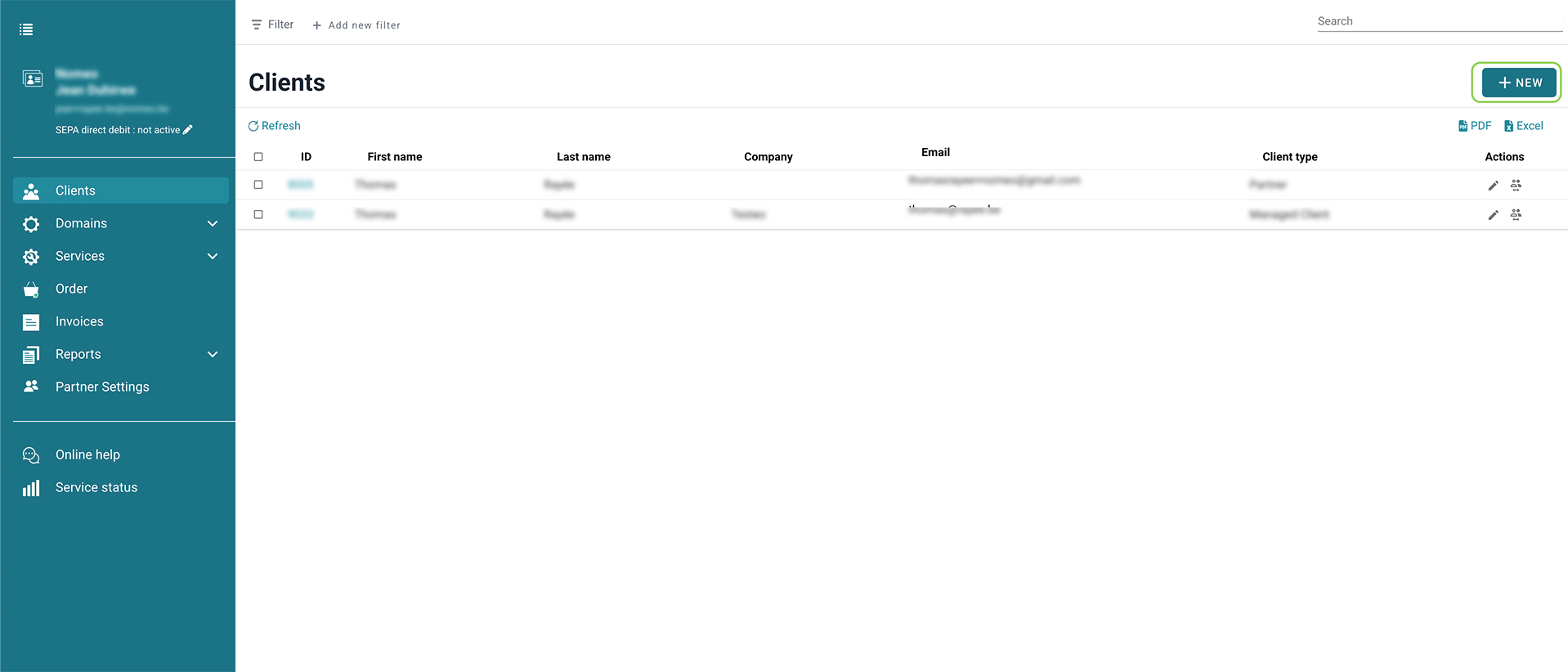
Add new clients
Add a new client, fill in the contact details, and choose the billing method for the client. The process is intuitive and quick.
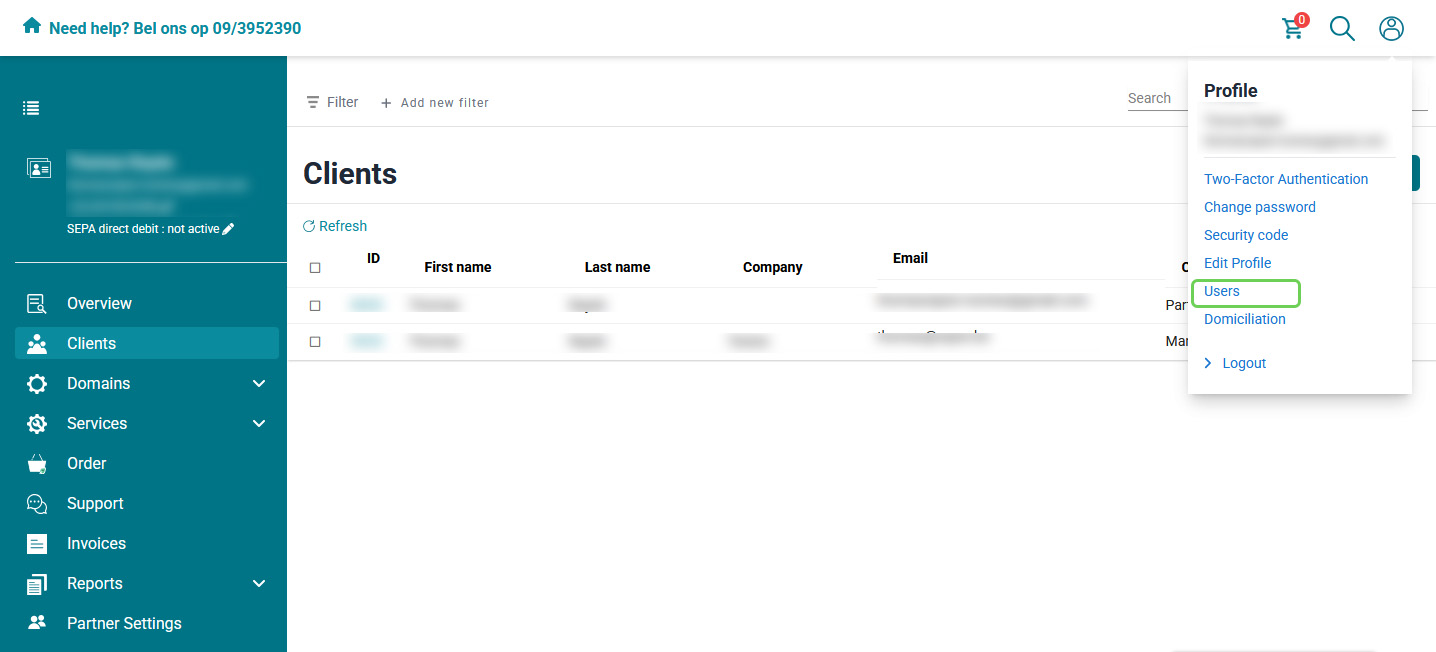
Assign rights to users
Some clients manage their domain names independently, while others don’t. When adding new users, you can specify what they have access to and what they don't, keeping everything organized.
Account management
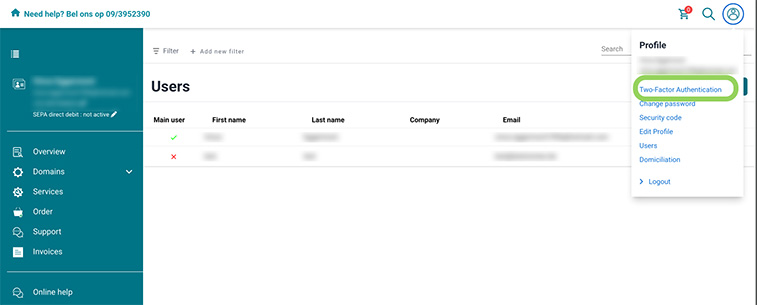
Two-factor authentication
Two-factor authentication (2FA) adds an extra step during login to your account, providing an additional layer of security to protect your account. You can easily activate 2FA through our control panel.
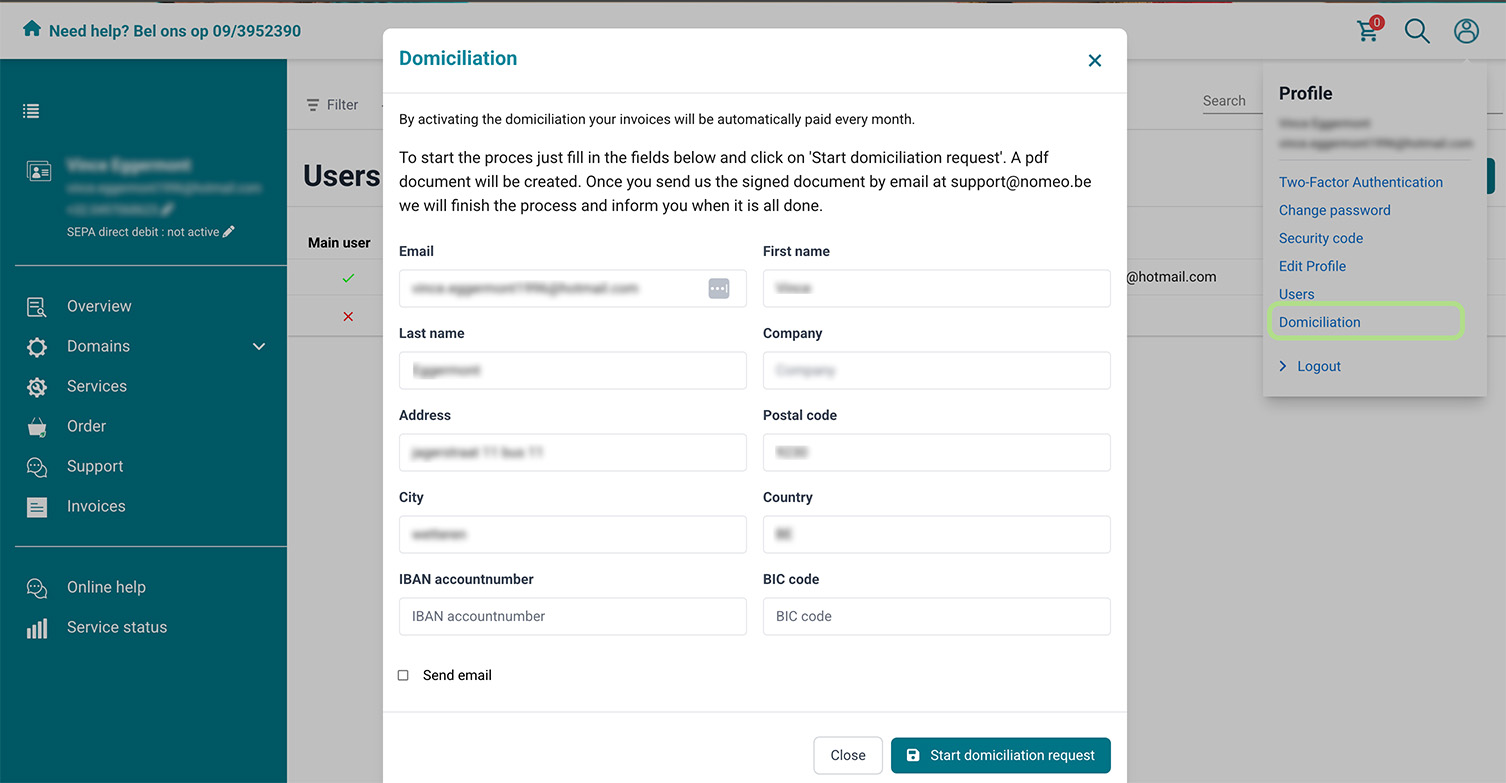
Request direct debit
With direct debit, your invoices are paid automatically and securely, ensuring your domain name remains yours. You can enable direct debit through the control panel.

Need help?
Don’t hesitate to contact us.